Allow members to view the entire schedule
Last updated July 6, 2022
By default, members of your team will only be able to access their own schedules.
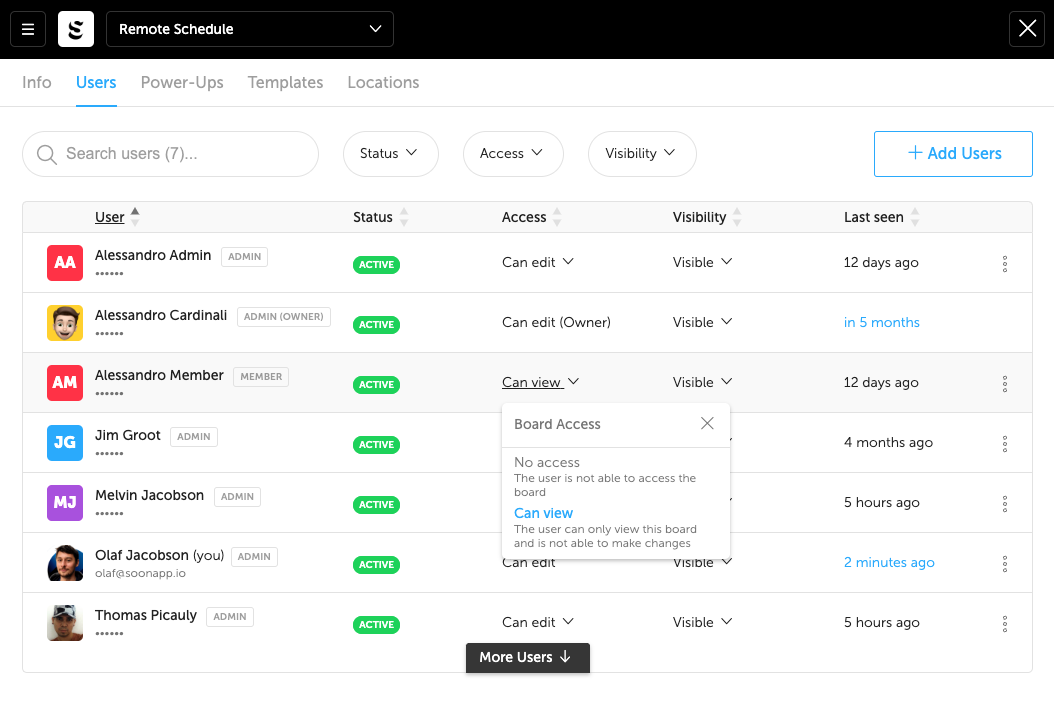
If you want to let people see the entire schedule. You can give them "Can View" access on the board.
Read-only Access to the board
- On the board you want to share, go to Settings
- Navigate to the Users tab
- Select the user you want to give access
- Set their Access to "Can view"