Healthcare staffing resource
Healthcare workforce management guide
Build a practical staffing process around demand, qualifications, fatigue, overtime, and last-minute coverage changes.
Read the healthcare WFM guide →Match qualifications to every shift, enforce rest and contract rules automatically, and respond faster when absences hit patient-facing teams.
Start Free TrialMedical staff scheduling software builds and maintains the rotas of doctors, nurses, allied health staff and other clinical teams. It matches each shift to the roles and qualifications it needs, applies working-time and rest rules, tracks leave, and helps you cover absences. Clinical staff scheduling software is the same category, usually with more weight on skill mix and round-the-clock cover.
Soon has been built for workforce scheduling since 2019 and is strong in 24/7 operations such as care and public safety. It offers AI-supported shift scheduling, configurable rules and overtime equalisation, self-scheduling and shift swaps on all plans, and demand forecasting on the Scale plan, with EU hosting and US hosting available. It is scheduling software: it does not replace your clinical systems, and time and attendance is coming soon.
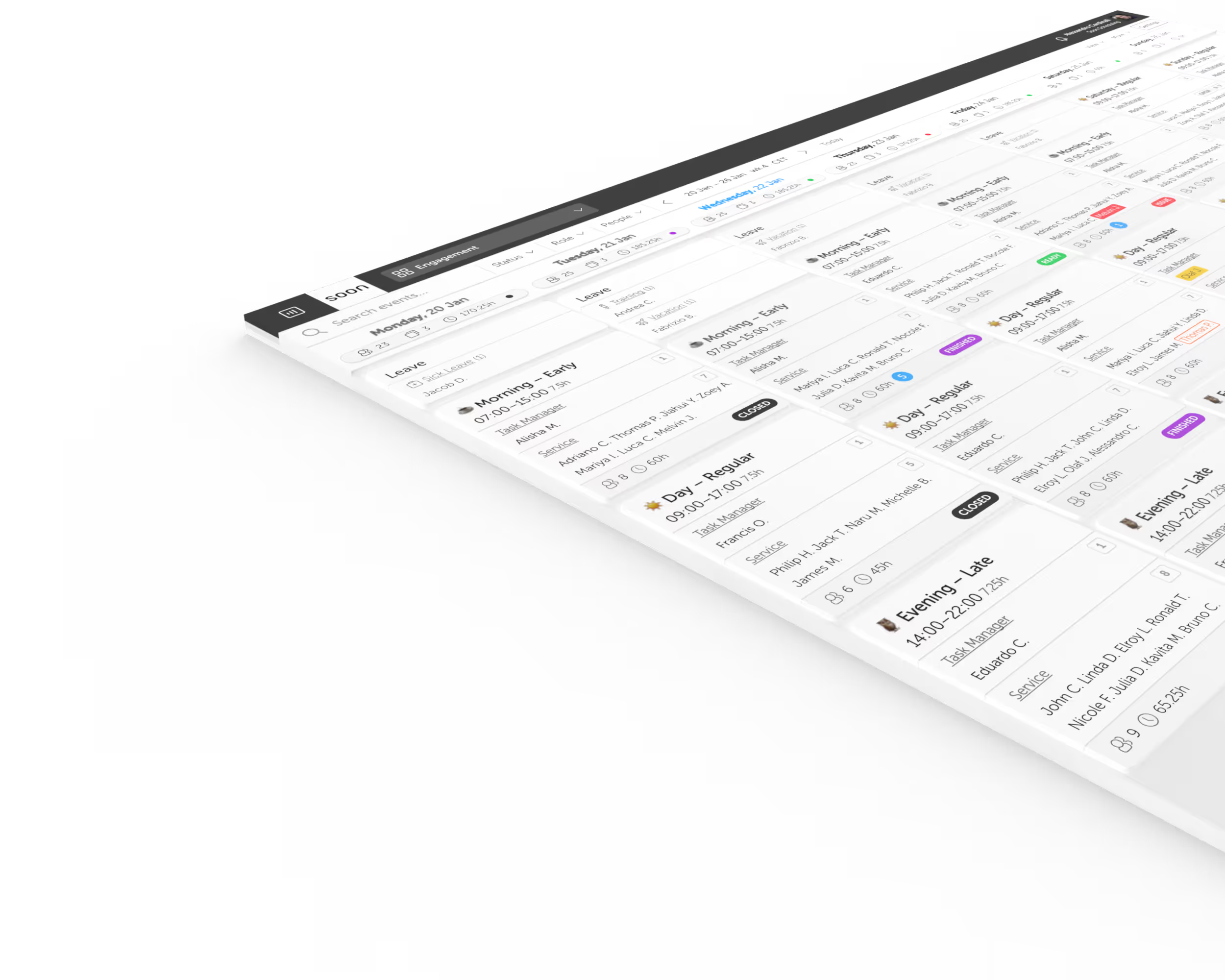
Healthcare shifts need the right roles, certifications, and skill mix. Soon helps planners assign qualified staff faster instead of checking credentials manually after the rota is built.
Maximum hours, mandatory rest, and contract limits need to stay consistent across rotating patterns. Soon applies those rules during scheduling so managers spend less time auditing the plan.
Sick calls are inevitable in healthcare. Soon makes open shifts, qualified replacements, and coverage visibility easier to manage when the plan changes under pressure.
Uneven shift loads create burnout and retention risk. Soon gives planners a clearer view of who is carrying the hardest patterns so distribution stays fairer over time.
Healthcare staffing resource
Build a practical staffing process around demand, qualifications, fatigue, overtime, and last-minute coverage changes.
Read the healthcare WFM guide →Medical staff scheduling software builds the rotas of doctors, nurses and other clinical staff. It matches shifts to the roles and qualifications they need, applies working-time and rest rules, tracks leave and helps cover absences, so the unit is staffed correctly on every shift.
Clinical staff scheduling software covers every patient-facing role, not only nursing: doctors, nurses, allied health and support staff. Nurse scheduling is one use of it. What matters is the same in both: skill mix per shift, rest rules, fair distribution of nights and weekends, and fast cover for absences.
Yes. Self-scheduling and shift swaps are available on all Soon plans. Staff mark availability and preferences, and swaps are checked against the rules you set before they are confirmed, so coverage and rest requirements still hold.
Healthcare scheduling software helps hospitals, clinics, and care teams build staff rotas that match qualifications, contract rules, leave, and changing coverage needs in one workflow.
Yes. Soon supports staffing requirements by role, skill, or activity so planners can see whether each shift meets the coverage rules they define.
Yes. Soon supports recurring patterns, rotating schedules, and the day-to-day changes that happen once those patterns are live.
When qualification checks, leave overlap, fairness concerns, or last-minute absences start creating weekly admin load and coverage risk. That usually happens well before the team feels huge.
Start with shift scheduling and leave management if the weekly rota is the main pain. Look at forecasting and intraday management if demand-based staffing or live coverage changes matter more.
See how Soon compares with the scheduling tools teams in this industry most often shortlist, including the rows where the other product wins.
Import your team, set your rules, hit auto-fill. Most teams are live the same day.
Free trial of 14, 30 or 60 days by plan · No credit card required
Already have an account?Sign in