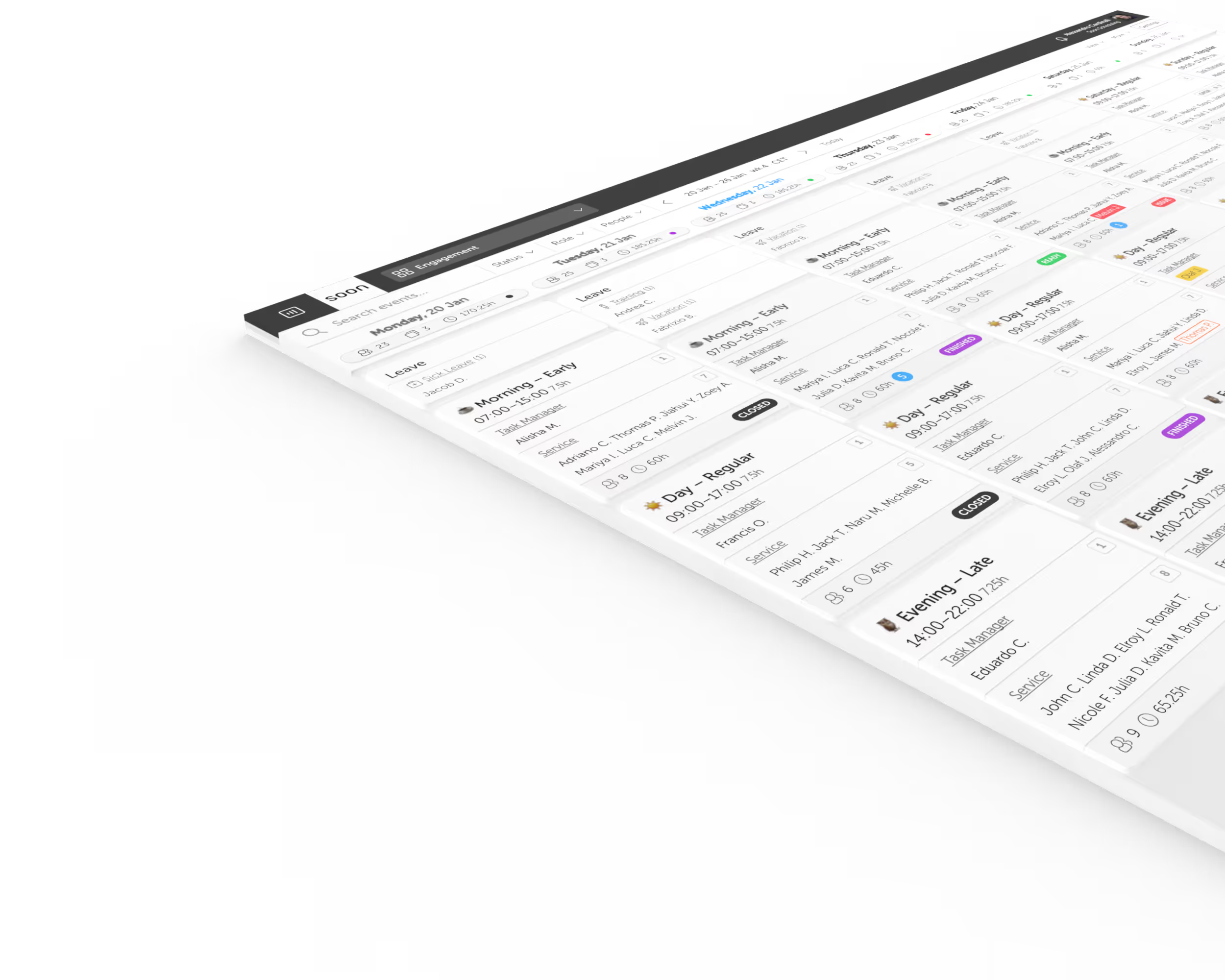
Soon for Android: schedule your team, then plan every hour of every shift
The full Soon product on your phone. See the whole schedule, get notified when shifts change, and handle swaps and requests without opening a laptop.
Free trial, no credit card. A Soon account is required.
What you get in the app
My Schedule, in full
The full schedule, not a partial view. Everyone sees their own shifts and activities on their phone.
Notifications that matter
Get notified of changes, swaps and requests, so nobody learns about a shift change at the door.
A plan for the whole day
Breaks, tasks, desk cover, calls and training are scheduled inside each shift and visible to everyone, so "who is on what right now" has an answer.
Auto-scheduling with your rules
Set availability, skills, rest time, maximum hours and fairness. Soon computes the schedule; you approve it.
Calendar sync
Shifts and activities appear in Google Calendar and Outlook, marked free or busy the way you choose, so booking tools still see availability.
A real overview
One board per team, every person, every shift, every gap, with contract hours and remaining hours per person.
Up and running in minutes
- Step 1
Install the app
Open Soon Scheduling on Google Play and install it.
- Step 2
Sign in or create your team
Use your Google or Microsoft account, or email. Describe your team and get a first schedule in minutes.
- Step 3
Invite everyone
Invite the team when you are ready. Everyone sees their own schedule on their phone, on the web, and inside Microsoft Teams or Webex.
Self-serve setup takes about fifteen minutes, and a full team rollout fits within a day. Soon is built for in-house teams of ten to a few hundred people, from service desks and clinics to logistics and visitor operations. See the plans on the pricing page.
Questions about the app
Is the Android app the full product?
Yes. Soon for Android is the full product, not a cut-down viewer.
Is the app free?
A Soon account is required. You can start with a free 30-day trial with no credit card, and plans and prices are on the pricing page.
Do I need the app to use Soon?
No. Soon also runs in the browser and inside Microsoft Teams or Webex. The Android app puts the schedule and its notifications on your team's phones.
What about iPhone?
On iPhone, open Soon in Safari and add it to your Home Screen. Our guide to installing Soon on your phone walks through it.
How do I sign in?
With your Google or Microsoft account, or with email. Teams on the Enterprise plan use their own private sign-in page.
Your next schedule could take 2 minutes.
Import your team, set your rules, hit auto-fill. Most teams are live the same day.
Free trial of 14, 30 or 60 days by plan · No credit card required
Already have an account?Sign in