Archive or delete a skill
Last updated August 19, 2026
When a skill is no longer in use you have two options. Archive first; delete only when you are sure.
Archive
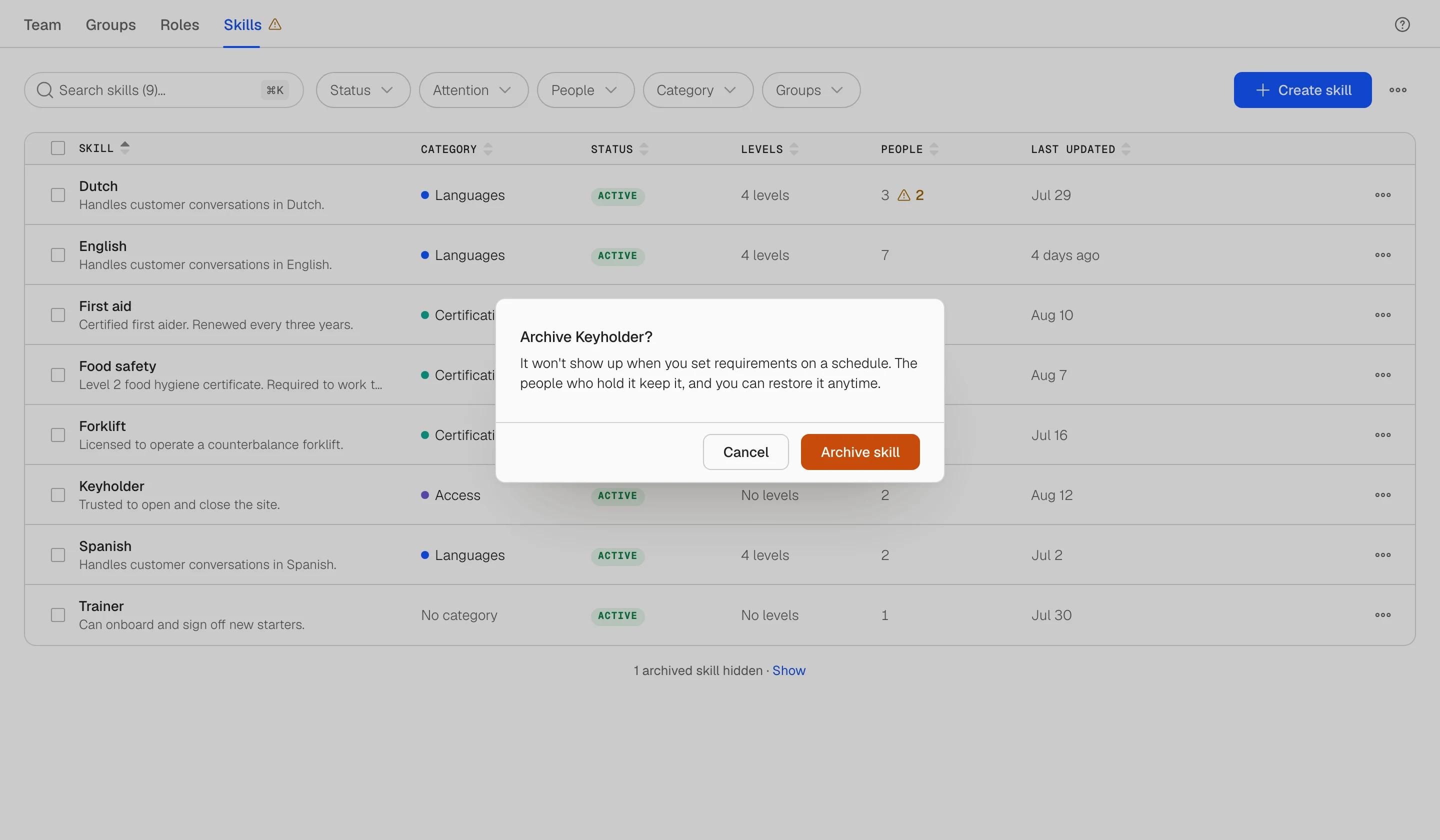
Open the skill's menu (the three dots on its row or in the panel) and choose Archive. The skill moves out of the active list into the archived section at the bottom of the table, and its status turns grey. The people who hold it keep it, with their levels and dates, and nothing is written to their records. You can still open and edit an archived skill, and Restore brings it back at any time.
Use archive for a certificate you stopped requiring, a system you retired, or a language you no longer staff for, where the history still matters.
Delete
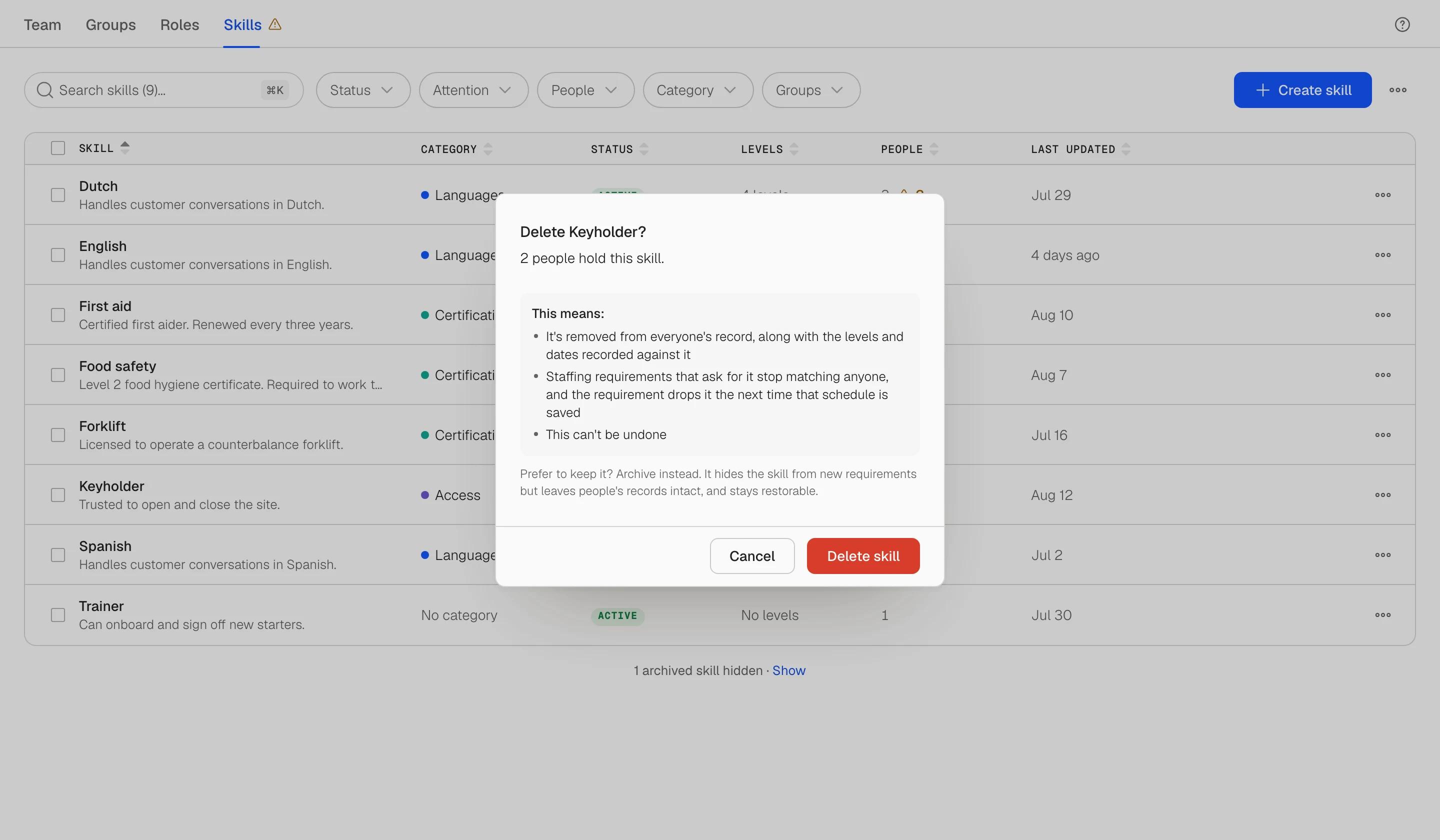
Choose Delete from the same menu. Soon tells you how many people hold the skill and what deleting means: it is removed from everyone's record, along with the levels and dates recorded against it, and it cannot be undone. Each affected person's activity shows that the skill was removed because the skill was deleted.
If you are not sure, the dialog offers Archive instead. Use delete for a skill created by mistake or a duplicate nobody holds.
Archive, restore or delete several at once
Select skills in the table and open Actions. Archive and Delete ask for confirmation; Restore applies immediately. Your selection stays after Archive and Restore so you can chain another action.
Categories
Deleting a category never deletes its skills. They stay, uncategorised, and you can file them under another category from the skill's Details tab.