newimprovement
Arrange boards and templates your way
Your boards and templates no longer have to stay in the order they were created. Drag them into the order that suits the way you work.
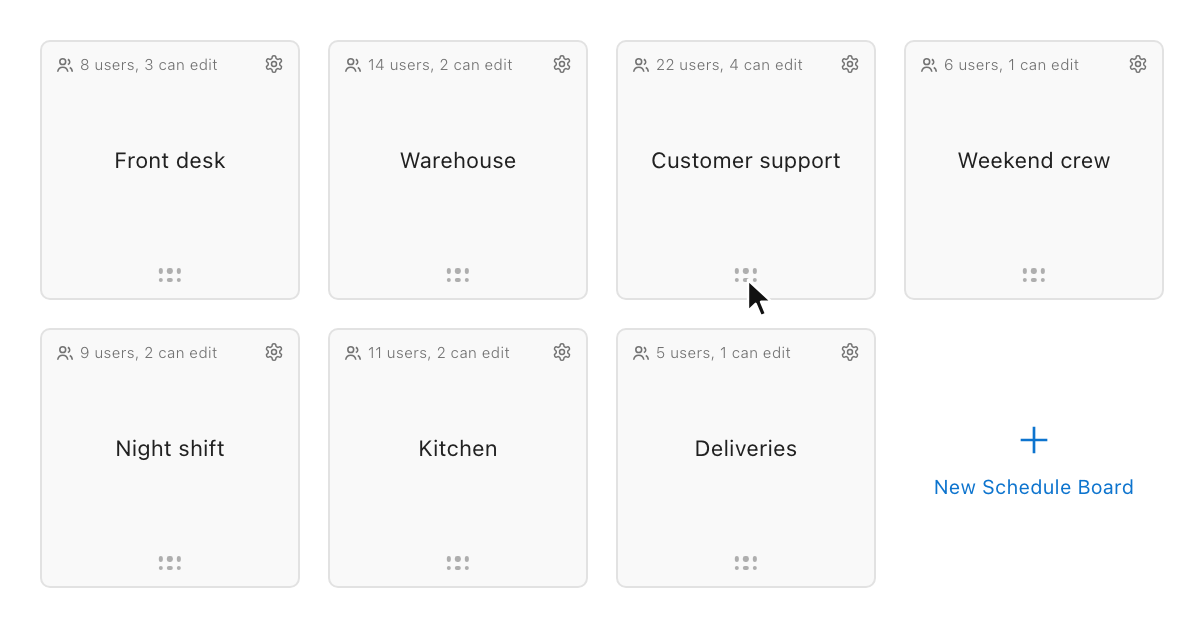
Your own order on the Boards page
- Grab a board by the dots at the bottom of its tile and drop it where you want it. The other boards move aside to make room.
- Your order is personal. It only changes your own Boards page, never anyone else's.
- It is saved to your account, so it stays the same on every device. New boards appear at the end.
A shared order for a board's templates
- In a board's Settings, open Templates and drag them the same way. Put the templates you use most first.
- The template order is shared by everyone on the board, and the template list on the board follows it.
- Board owners, board admins, and team owners can reorder templates.
Safer templates
- Only a board's editors can now create, change, apply, or remove its templates and week templates.