Google and Microsoft OAuth
Sign in/up with your Google and Microsoft account
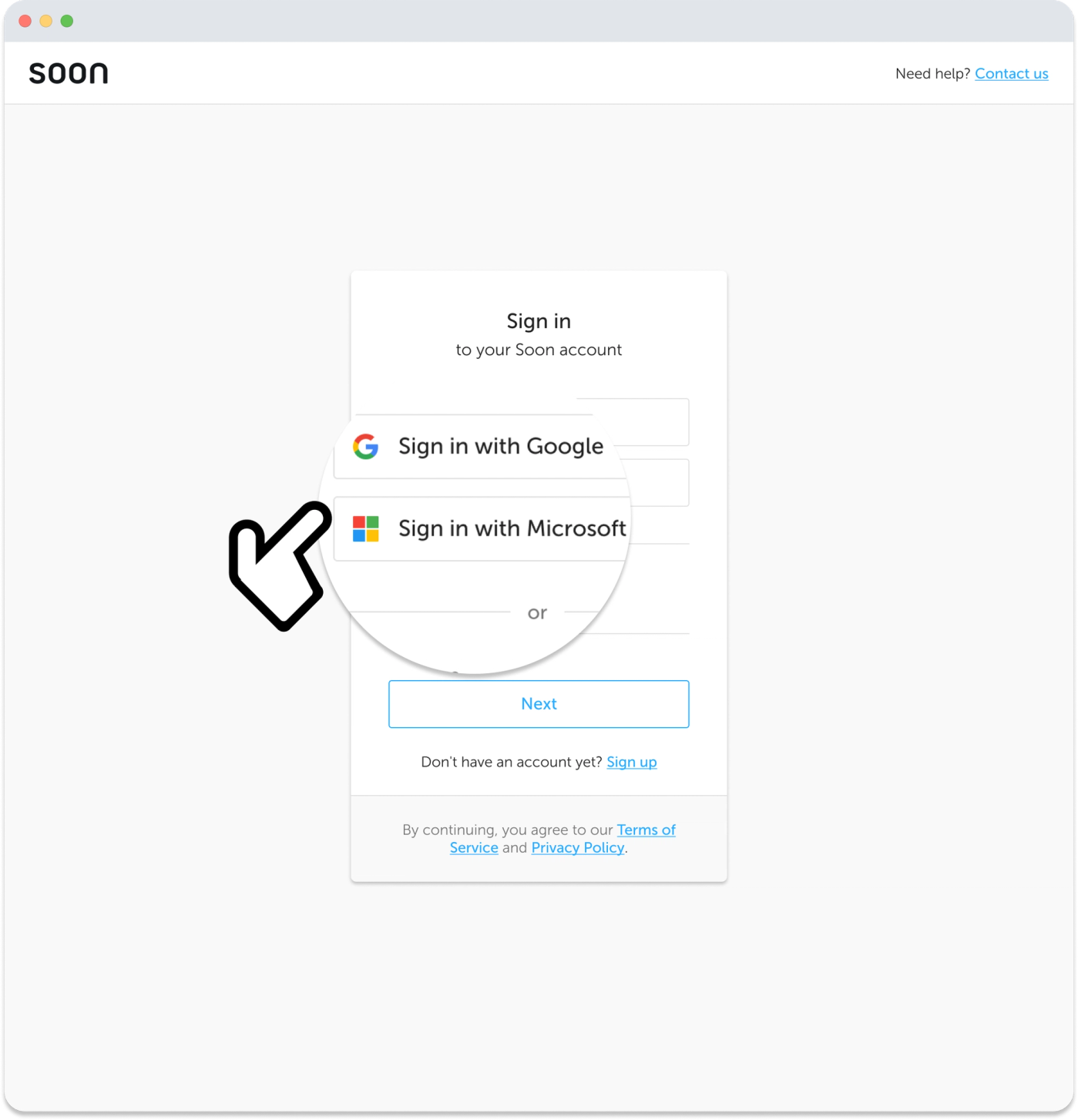
Use your Google or Microsoft account to register or sign in to Soon. This will connect your OAuth account to your primary Soon account.
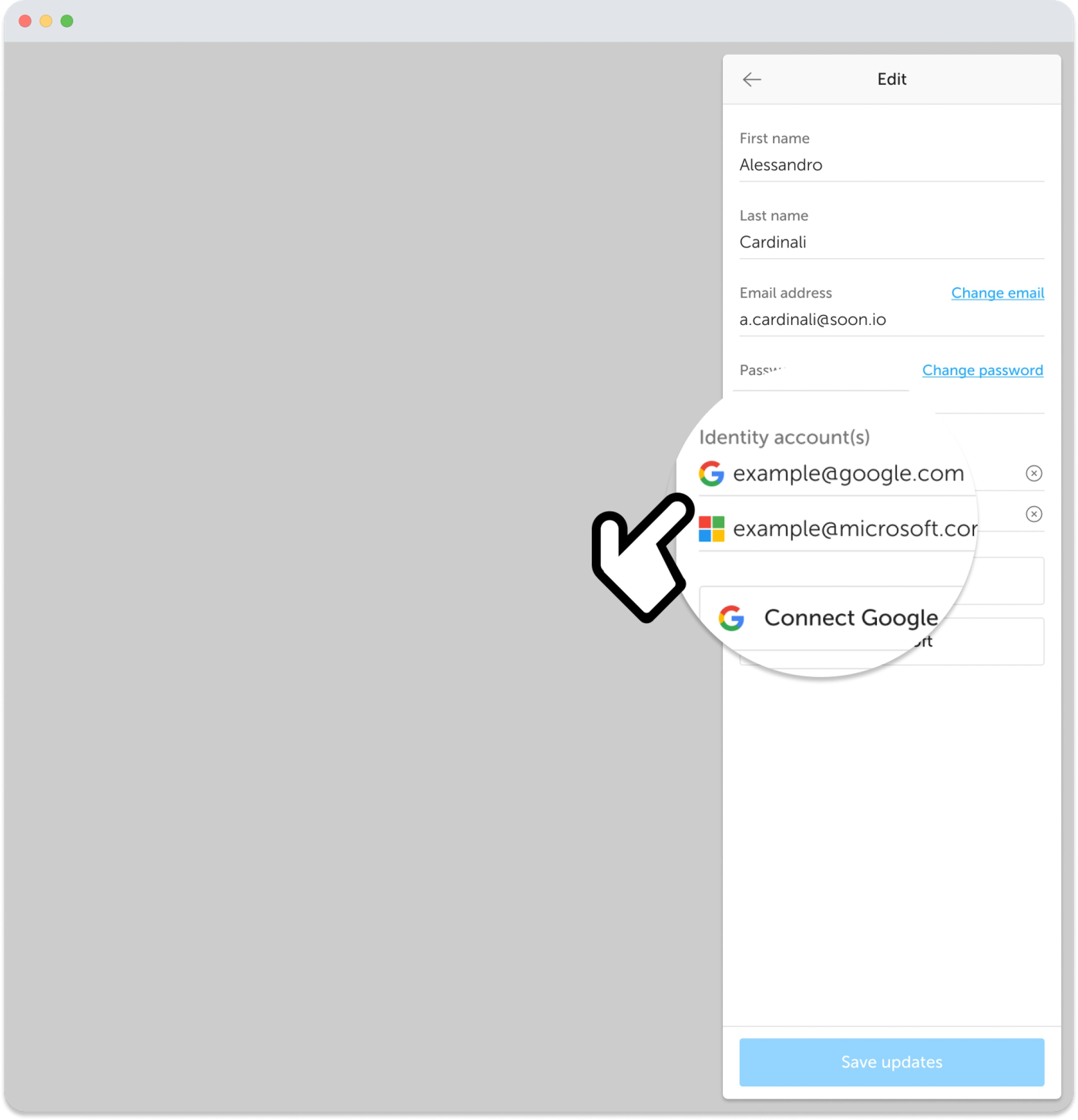
You can manage your connected OAuth accounts in your profile settings. Click on your avatar to open your profile, then hit the “pencil” icon in the top right corner to edit your account.
Your connected accounts will appear underneath the Identity account(s) header. Your account is successfully connected if your email address shows here.
To disconnect your Google or Microsoft account, hit the “cross” icon.
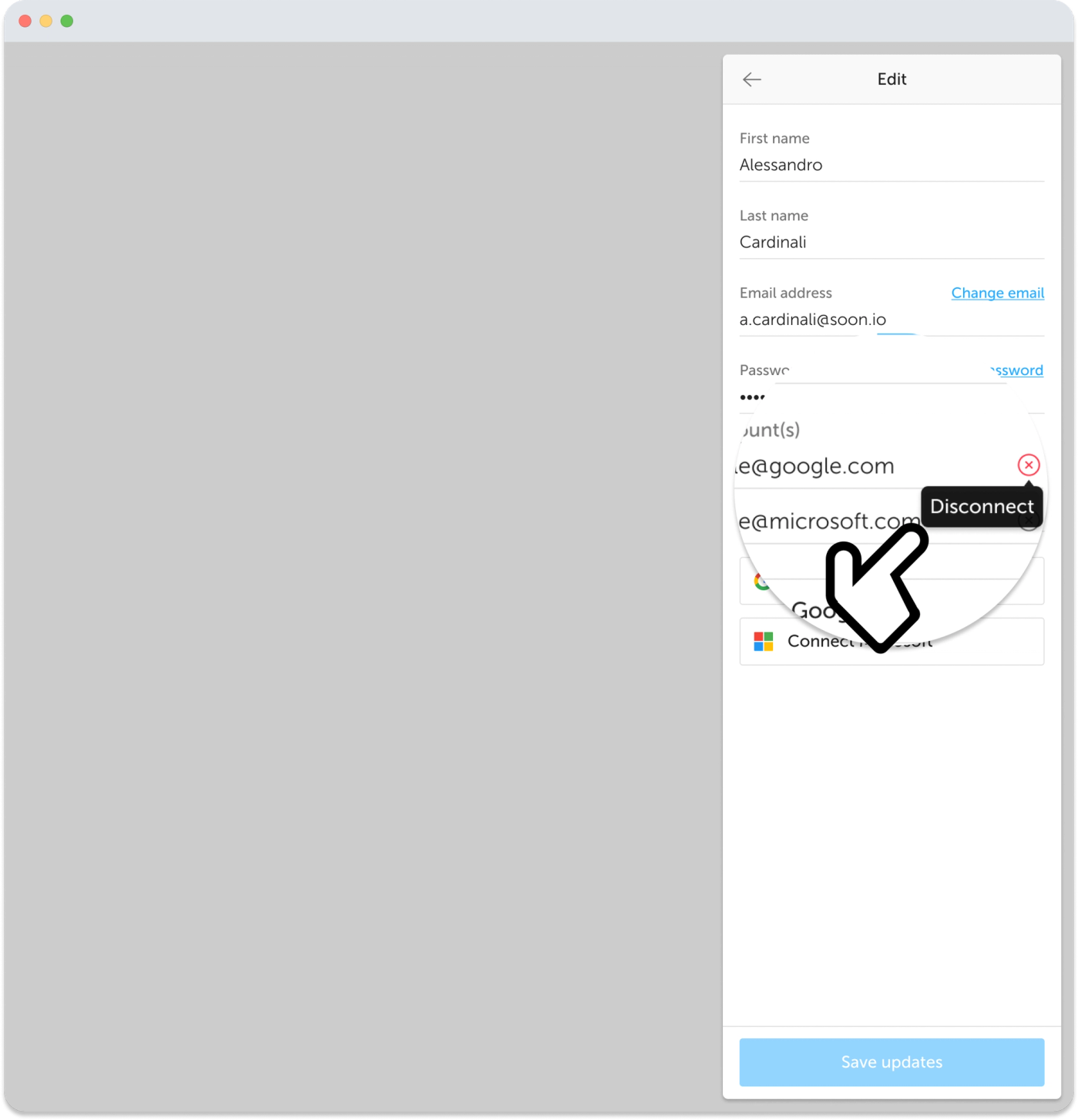
Want to connect an extra account? Hit the “Connect Google/Microsoft” button.
Did this answer your question?Contact us