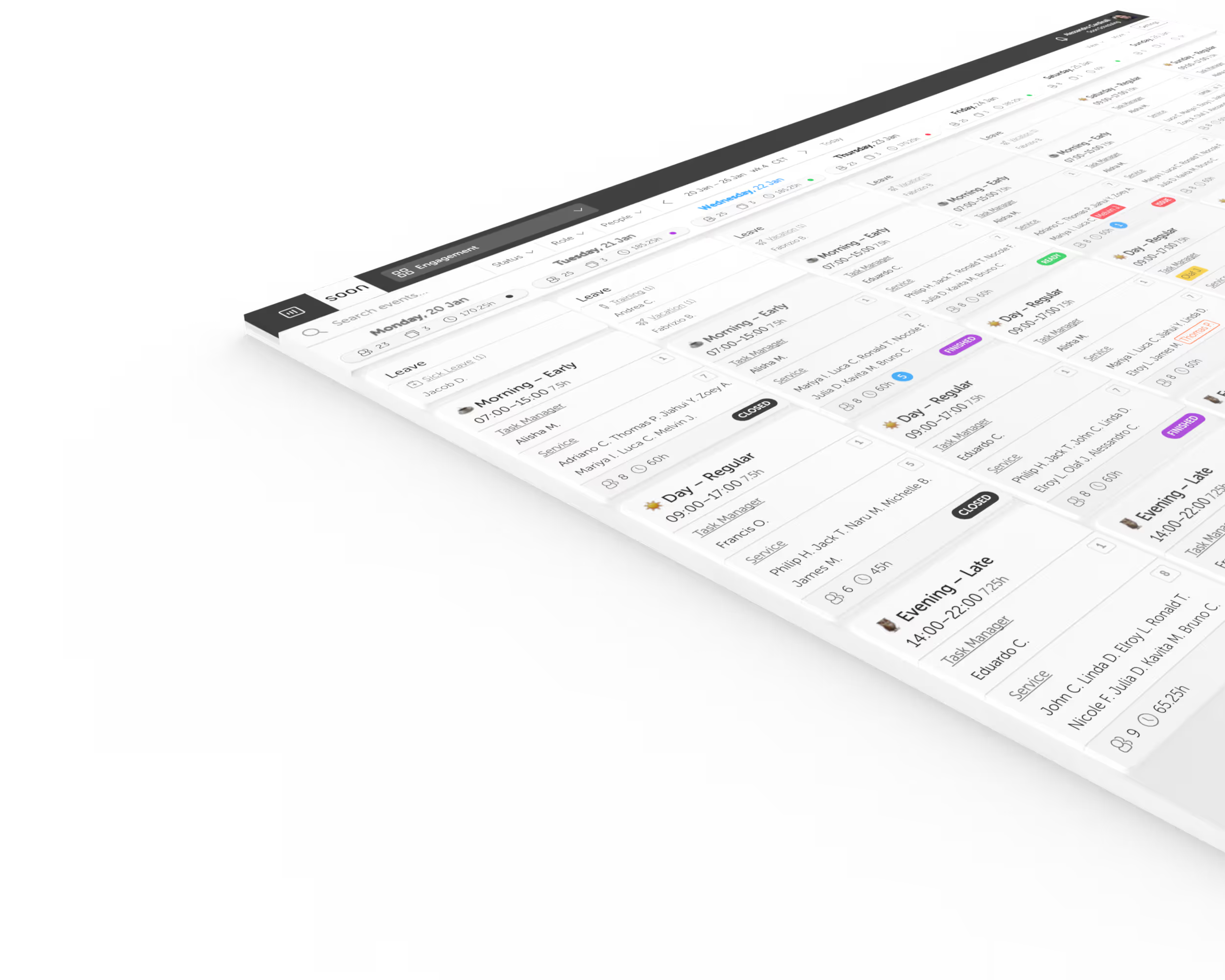
Security workforce scheduling software for continuous operations.
Build reliable SOC, NOC, monitoring, and security team coverage around skills, rotations, fatigue, handovers, and last-minute absences.
Start Free TrialChallenges we solve
Continuous coverage leaves no empty hours
A 24/7 desk needs every hour covered, including nights, weekends, holidays, and handovers. Soon makes the full operating window visible in one schedule.
Night work creates fatigue and fairness pressure
Repeated nights and short recovery windows make a mathematically complete rota operationally brittle. Soon helps planners see hours, patterns, and distribution before publishing.
Coverage depends on roles and escalation authority
A staffed desk can still be exposed when the only qualified responder is unavailable. Soon helps teams plan named roles, groups, and activities into each shift.
Risk travels across shift handovers
Incidents and open work do not reset when a shift ends. Clear overlap and activity planning help the incoming team inherit context instead of reconstructing it.
Build coverage that survives nights, absences, and handovers
Model the real coverage requirement
Start with the hours and roles that must be present, then add handover time, leave, training, and absence buffers before choosing a rotation.
Turn rotations into repeatable schedules
Use stable shift patterns as the base while keeping enough flexibility to manage swaps, leave, on-call work, and temporary coverage changes.
Keep qualified coverage visible
Plan teams, roles, and activities so the rota shows more than attendance and managers can spot fragile single-person dependencies earlier.
Repair the plan without losing control
Coordinate replacements and schedule changes in the same place when an absence, incident, or workload spike puts continuous coverage at risk.
Plan the operation, not just the rota
Continue with practical guides, calculators, and workforce concepts for security operations teams.
Glossary
SOC shift rotation
Understand how security operations centers distribute continuous monitoring across teams and shifts.
Glossary
Security shift rotation
Review the planning principles behind fair, sustainable security coverage.
Calculator
24/7 coverage with 12-hour shifts
See the base staffing math, realistic absence buffer, and common traps behind a 12-hour continuous roster.
Patterns
Shift pattern library
Compare Dupont, Pitman, continental, 4-on-4-off, and other rotations with their tradeoffs visible.
Blueprint
24/7 NOC coverage blueprint
Stress-test headcount, handoffs, fatigue, and escalation coverage before the roster fails under pressure.
Blueprint
NOC shift handoff playbook
Create a more reliable transfer of incidents, ownership, and context between outgoing and incoming teams.
Frequently asked questions
What is security workforce scheduling software?
Security workforce scheduling software helps SOC, NOC, monitoring, and physical security teams plan continuous coverage, recurring rotations, role requirements, leave, and last-minute changes.
Which shift pattern is best for a 24/7 security operation?
There is no universal best pattern. The right choice depends on shift length, headcount, recovery time, weekend distribution, handover needs, and the amount of absence cover available.
Can Soon help reduce fatigue in rotating schedules?
Soon gives planners visibility into hours, shift distribution, leave, and recurring patterns. Teams can use those constraints to avoid short turnarounds and distribute difficult shifts more deliberately.
Can every security shift include specific roles?
Yes. Teams can use roles, groups, activities, and schedule structure to represent the coverage mix required for each operating period.
Can Soon manage on-call and backup coverage?
Soon can schedule on-call or backup activities alongside normal shifts, giving managers and employees a clearer view of who owns each coverage period.
Comparing scheduling software for Security Operations?
See how Soon compares with the scheduling tools teams in this industry most often shortlist, including the rows where the other product wins.
Your next schedule could take 2 minutes.
Import your team, set your rules, hit auto-fill. Most teams are live the same day.
Free trial of 14, 30 or 60 days by plan · No credit card required
Already have an account?Sign in