What are the best alternatives to UKG?
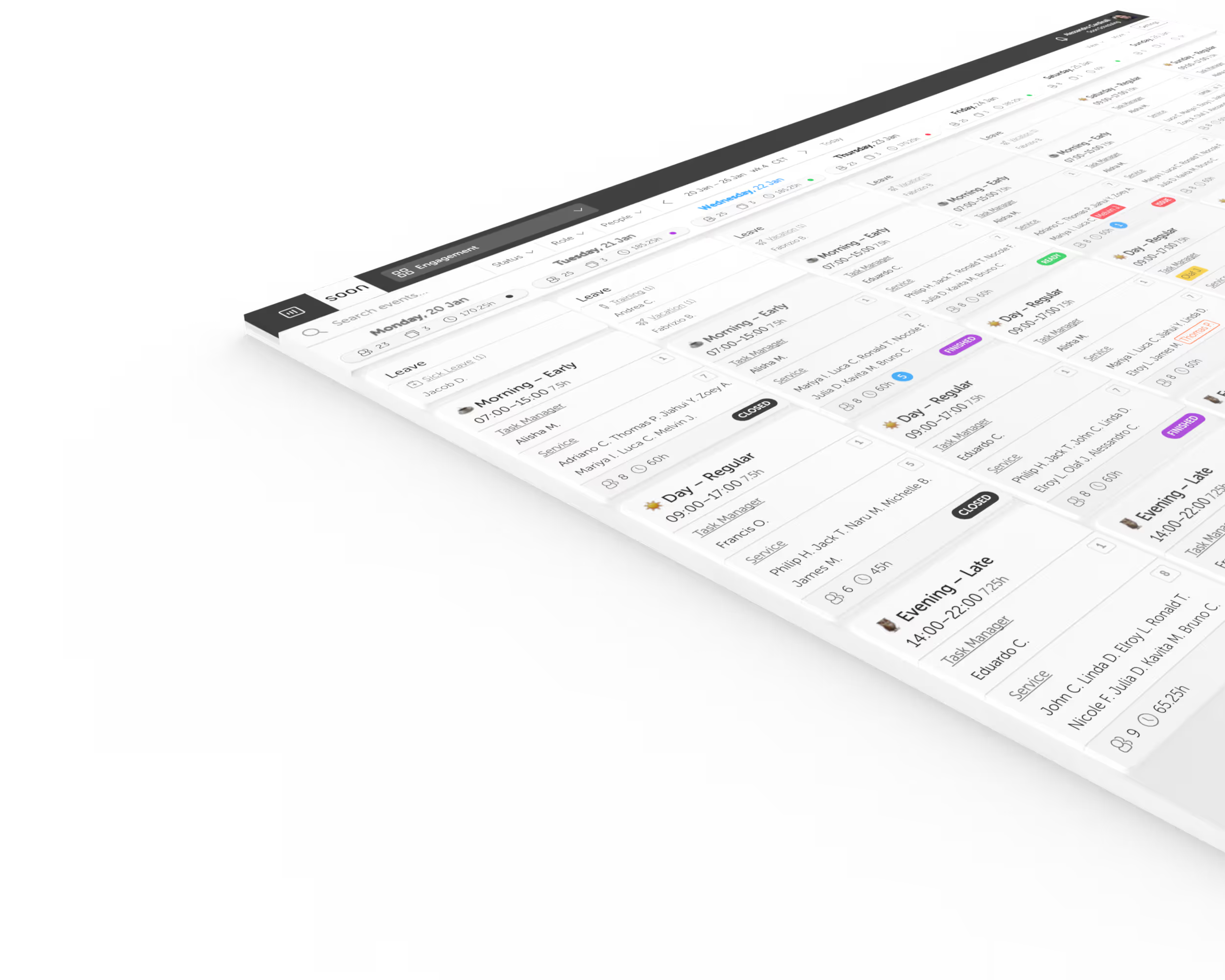
It depends on why you are leaving UKG. If the Workforce Central deadline forces the move, the alternatives are whole suites: UKG Pro WFM, Workday, Dayforce, ADP, or unbundling scheduling from the suite. If payroll and time work and scheduling is the pain, a dedicated scheduling tool such as Soon, Rotageek, Deputy, Planday or Quinyx can run beside UKG instead of replacing it. Soon publishes this guide, lists itself first for that reason only, and does not rank the tools.
What are the alternatives to UKG for time and attendance?
For time clocks and timesheets today, look at tools that list them as live features: Deputy (time clock apps and timesheets from its Lite plan), Planday (simple time tracking from Starter), Rotageek (clocking in and out and timesheets) and Quinyx (time and attendance). Soon’s time and attendance is coming soon and is not live yet, so if clock-in is the requirement now, keep UKG for timekeeping and move only the scheduling, or choose one of the others. Sources are linked in the table above.
What is the best alternative to UKG Dimensions for a UK mid-market employer?
UKG Dimensions is now called UKG Pro WFM. For a UK mid-market employer, the answer depends on what you replace. If scheduling is the problem and payroll and HR already work, shortlist scheduling specialists: Rotageek (UK-registered, multi-site), Deputy (bills UK customers in pounds), Planday (lists prices in pounds), Quinyx (larger enterprises) and Soon (EU-based, with EU hosting). If payroll and compliance are what is failing, you are shopping for a suite, and that is a different list.
Who would I work with if I move scheduling from UKG to Soon?
Soon has been building workforce scheduling since 2019 as a small senior team. You can set it up on your own, or the founders and the people who build the product will onboard you and support you once you are live. Most teams are live the same day and larger teams within a week. Enterprise suites usually put an account manager or an implementation partner between you and the builders; ask any vendor, including us, who you will actually talk to after you sign.
What is the best alternative to UKG Pro WFM if we only need rostering?
If payroll, time and attendance, and HR already work in UKG Pro WFM and rostering is the only painful part, the cheapest answer is usually not a replacement suite at all. Keep UKG Pro WFM as the system of record and run a dedicated scheduling tool for the rosters, exporting worked hours back for payroll. Dedicated scheduling software is priced as ordinary per-user SaaS with no implementation services, against the $18 to $60+ per employee per month and 40 to 70 percent services line that an enterprise suite carries, and one site or department can be live in days instead of the six to fifteen months a Pro WFM rebuild takes. Products in that lighter category include Deputy, Connecteam, Homebase, When I Work, and Soon. Replacing the whole suite only makes sense when the thing that is broken is payroll, compliance, or time clock hardware, which live on UKG Pro WFM’s side of the line and do not move with the roster.
What is the best alternative to UKG?
There is no single answer, because the question splits by what is driving the move. If Workforce Central’s end of life is forcing a decision, the alternatives are whole suites: UKG Pro WFM, Workday, Dayforce, ADP, or unbundling scheduling from the suite. If cost is the driver, price the function you actually use before buying another suite. If payroll works and scheduling is the pain, a dedicated scheduling tool alongside the suite is cheaper and faster than replacing it. If you simply bought more suite than you need, the alternative is a lighter category: Deputy, Connecteam, Homebase, When I Work, or Soon.
Is UKG the same as Kronos?
UKG is what Kronos became. Kronos merged with Ultimate Software in 2020 to form Ultimate Kronos Group, and the products were renamed: Workforce Central is the legacy Kronos flagship, and Workforce Dimensions became UKG Pro WFM. People still search for Kronos, and vendors still answer to it, but the company and the current products carry the UKG name.
Do I have to replace UKG to fix scheduling?
No, and usually you should not. UKG can stay the system of record for payroll, time, and HR while day-to-day scheduling moves to a tool built for it, with worked hours flowing back through exports. The smallest version of this is one site or one department, which is live in days rather than quarters and tells you what your teams actually need before any suite-wide commitment.
Are UKG alternatives cheaper?
Only if you change what you are buying. Another enterprise suite carries a comparable software line and a comparable services line, so the shape of the spend does not move much. The saving comes from unbundling: paying for the scheduling function at ordinary per-user software prices, with no implementation services, while payroll and HR stay where they already work.
What happens if we do nothing about Workforce Central?
The software keeps running after March 31, 2027. What stops is vendor support, security patches, and compliance updates, and engineering support has already ended, so no further fixes are being produced. Most organizations treat the date as a forcing function rather than run an unsupported system of record.