Skip to content
Migration guide

UKG Workforce Central is ending. Here are your real options.

Support for cloud-hosted Workforce Central ended on December 31, 2025, and support for on-premises deployments ends on March 31, 2027. Every Workforce Central customer has to land somewhere, and the sanctioned path, a migration to UKG Pro WFM, is a rebuild that partners scope at six to fifteen months. This page lays out the three real options, who each one is right for, and the cost math for your headcount.

Dec 31, 2025

Cloud-hosted support ended. Deployments on the Kronos Private Cloud are already unsupported.

Mar 31, 2027

On-premises support ends. About 7 months out, against a six-to-fifteen-month migration.

6 to 15 months

Typical Pro WFM migration, per implementation partners: a rebuild, not an upgrade.

The three real options

Only one of these involves Soon, and it is not right for everyone. Here is the honest version of all three.

Path A

Rebuild on UKG Pro WFM

UKGโ€™s recommended path. Implementation partners describe it as a rebuild rather than an upgrade: new configuration, new integrations, new pay rules, and retraining. Core migrations typically take six to nine months; full enterprise rollouts often reach fifteen.

Right for you if

  • Payroll, time, HR, and scheduling must stay in one suite from one vendor
  • You have the budget for a second enterprise implementation and the team to run it
  • Your UKG configuration is deeply customized and certified compliance is the priority

Watch out for

Implementation services are commonly estimated at 40 to 70 percent of first-year software fees, and the clock is already running.
Path B

Move to another enterprise suite

A full RFP cycle: Workday, Dayforce, ADP, Infor, and the rest of the enterprise WFM field. You get a fresh start and modern architecture, at the cost of an equally large project with a new vendor relationship to build.

Right for you if

  • You were planning to leave the UKG ecosystem anyway
  • Procurement wants a competitive process before another decade-long commitment
  • Your requirements are suite-shaped: payroll, HR, talent, and scheduling as one purchase

Watch out for

You trade a known migration for an unknown one. Timelines and services costs are comparable to the Pro WFM rebuild, sometimes larger.

Path C

Unbundle: keep your system of record, move scheduling

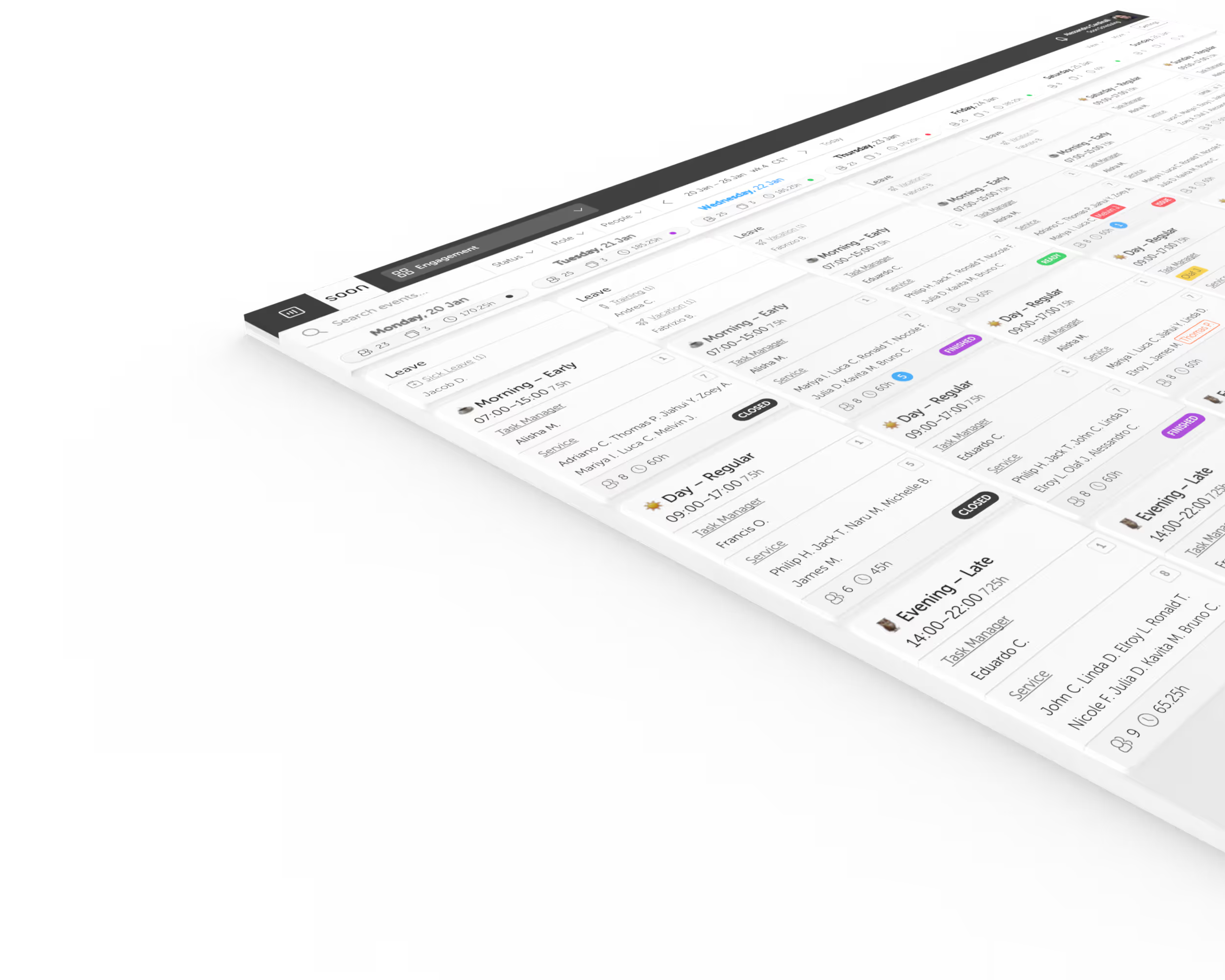
Keep payroll and HR wherever they already work, and move day-to-day scheduling to a dedicated tool your teams can run themselves. Soon imports your people and schedules from a CSV export and most teams are live in a day, not a quarter.

Right for you if

  • Scheduling is what you actually use Workforce Central for day to day
  • You want managers and employees off the migration critical path now, not in a year
  • You would rather pilot one site or department than bet everything on one cutover

Watch out for

This is not a suite replacement. Payroll processing, time clock hardware, and HR records stay in your system of record, connected by exports.

Evaluating path B? Our guide to the best employee scheduling software covers the wider field, including the enterprise suites. Weighing path C? See how Soon compares with UKG feature by feature, including the rows UKG wins.

The migration cost worksheet

Estimates, not quotes. Adjust the inputs for your organization; every figure updates. Assumptions are listed below the table.

First yearRebuild on Pro WFMScheduling-first (Soon)
Software$180,000$96,000
Implementation services$72,000 to $126,000$0 (self-serve, free setup help)
First-year total$252,000 to $306,000$96,000
Time to live schedules6 to 15 monthsUnder a day
  • Suite software uses your inputs: employees × cost per employee per month × 12. The $30 default sits mid-range of published analyst estimates ($18 to $60+ for UKG Pro WFM, as of 2026).
  • Implementation services use the commonly cited 40 to 70 percent of first-year software fees. Real quotes vary with configuration scope.
  • The Soon column prices the Scale plan ($16 per user per month, billed yearly) and covers scheduling, forecasting, and intraday coverage only. Payroll and HR stay in your system of record, so this is a like-for-like price for the scheduling function, not the whole suite.
  • Timeline figures come from implementation partners describing Workforce Central to Pro WFM projects.

Getting your data out of Workforce Central

Whatever path you pick, the work starts with an export, and Workforce Central is good at exports. Standard reports (employee rosters, schedules, accrual balances) come out as CSV or Excel from the reporting module, and if your team ever set up Workforce Integration Manager, those interfaces produce clean flat files on a schedule.

For a scheduling-first move, that export is the whole migration. Soon imports employees and schedules from CSV, and our team will do the setup for you from your export within one business day, free. Shift templates, team structure, and time-off balances carry over; most teams run their first published week in Soon within days of the export.

One practical tip from teams that have done this: export and archive everything before your support window closes, including historical schedules and accrual histories. After support ends you can still run reports, but there is nobody to call when the reporting service misbehaves.

Frequently asked questions

When does UKG Workforce Central support actually end?

Support for cloud-hosted Workforce Central deployments ended on December 31, 2025. Support for on-premises deployments ends on March 31, 2027. Engineering support has already ended, which means no further patches or fixes are being produced.

Can we keep running Workforce Central after the deadline?

Technically yes, and some on-premises teams will. The software does not stop working on April 1, 2027. But you run it without vendor support, security patches, or compliance updates, on an aging stack. Most organizations treat the deadline as a forcing function rather than run unsupported.

Is migrating to UKG Pro WFM mandatory?

No. It is UKGโ€™s recommended path and the one their migration tooling supports, but it is a new implementation of a different product, priced and scoped as one. That makes the end of life a genuine decision point: rebuild on Pro WFM, move to another suite, or unbundle scheduling from the suite entirely.

How long does a Workforce Central migration take?

Implementation partners report that most Workforce Central to Pro WFM migrations take six to nine months before testing and training, and around fifteen months end to end for a full enterprise rollout including discovery and phased go-live. A scheduling-first move to a dedicated tool is measured in days to weeks because the scope is one function, not a suite.

Can one site or department move its scheduling first?

Yes, and it is often the lowest-risk first step. Keep the suite as the system of record while one site runs its schedules in Soon, exporting hours back for payroll. You learn what your teams actually need before any suite-wide commitment, and that site is off the migration critical path immediately.

Does Soon replace UKG payroll or time clocks?

No. Soon is scheduling software: shift scheduling, auto-scheduling, forecasting, leave, and intraday coverage. Payroll processing, time clock hardware, and HR records stay in your system of record. Soon exports schedule and hours data in formats most payroll systems accept.

Your next schedule could take 2 minutes.

Import your team, set your rules, hit auto-fill. Most teams are live the same day.

Try Soon free

30 days free ยท No credit card required

Already have an account?Sign in