Skip to content
Solutions

Workforce management software for small businesses that have outgrown โ€œjust text meโ€

The schedule started in Excel. Availability arrived through WhatsApp. Leave requests stayed in email. Then somebody updated the wrong copy and a manager spent Sunday night asking who could open on Monday. Small businesses need one reliable workforce workflow, not an enterprise transformation project.

  • โ€œThe rota is in Excel, but the real schedule lives in WhatsApp.โ€
  • โ€œI approved the swap. I just forgot to update the spreadsheet.โ€
You might have asked

“The rota is in Excel, but the real schedule lives in WhatsApp.”

“I approved the swap. I just forgot to update the spreadsheet.”

“Who is actually opening tomorrow?”
“We need more than scheduling, but not a six-month implementation.”

What this usually means

You probably do not call it workforce management yet

You call it doing the rota, checking leave, finding cover, fixing payroll notes, and asking which version is current. The business has a system, but the system is often one experienced manager who remembers every exception.

That works until the team grows, that manager takes leave, or two changes happen at once. Then a simple schedule becomes an operating risk.

โ€œThe rota is in Excel, but the real schedule lives in WhatsApp.โ€

โ€œI approved the swap. I just forgot to update the spreadsheet.โ€

โ€œWho is actually opening tomorrow?โ€

Where it breaks

Where small-team scheduling starts to break

The first schedule is usually not the hard part. The hard part is keeping it true after leave, sickness, availability changes, and customer demand begin to move it.

Availability sits outside the schedule

Every change creates another message and another manual check

Staff stop trusting the published rota

One person knows all the exceptions

Staffing levels come from habit instead of expected work

Read this next

Spreadsheets are not the enemy

A stable team with fixed shifts and few changes can run well in a spreadsheet. Do not buy software only because a vendor says every spreadsheet is broken.

Change when the same coordination problem keeps returning: managers reconcile multiple versions, employees cannot see approved changes, leave creates gaps, or the weekly plan takes too much manual repair. At that point, the spreadsheet is only the visible part. The real cost sits in messages, memory, and repeated checks.

What to fix

What useful WFM software should do for a small business

A small business does not need every enterprise module. It needs a short, reliable loop from expected work to a schedule that people can follow.

Keep one current schedule that staff can trust

Put availability, leave, and shift changes in the same workflow

Let employees see shifts and request changes without a message chain

Set simple rules for roles, hours, rest, and minimum coverage

Show where staffing is short before the shift starts

Add forecasting and intraday control only when the operation needs them

Read this next

How Soon fits between a rota app and enterprise WFM

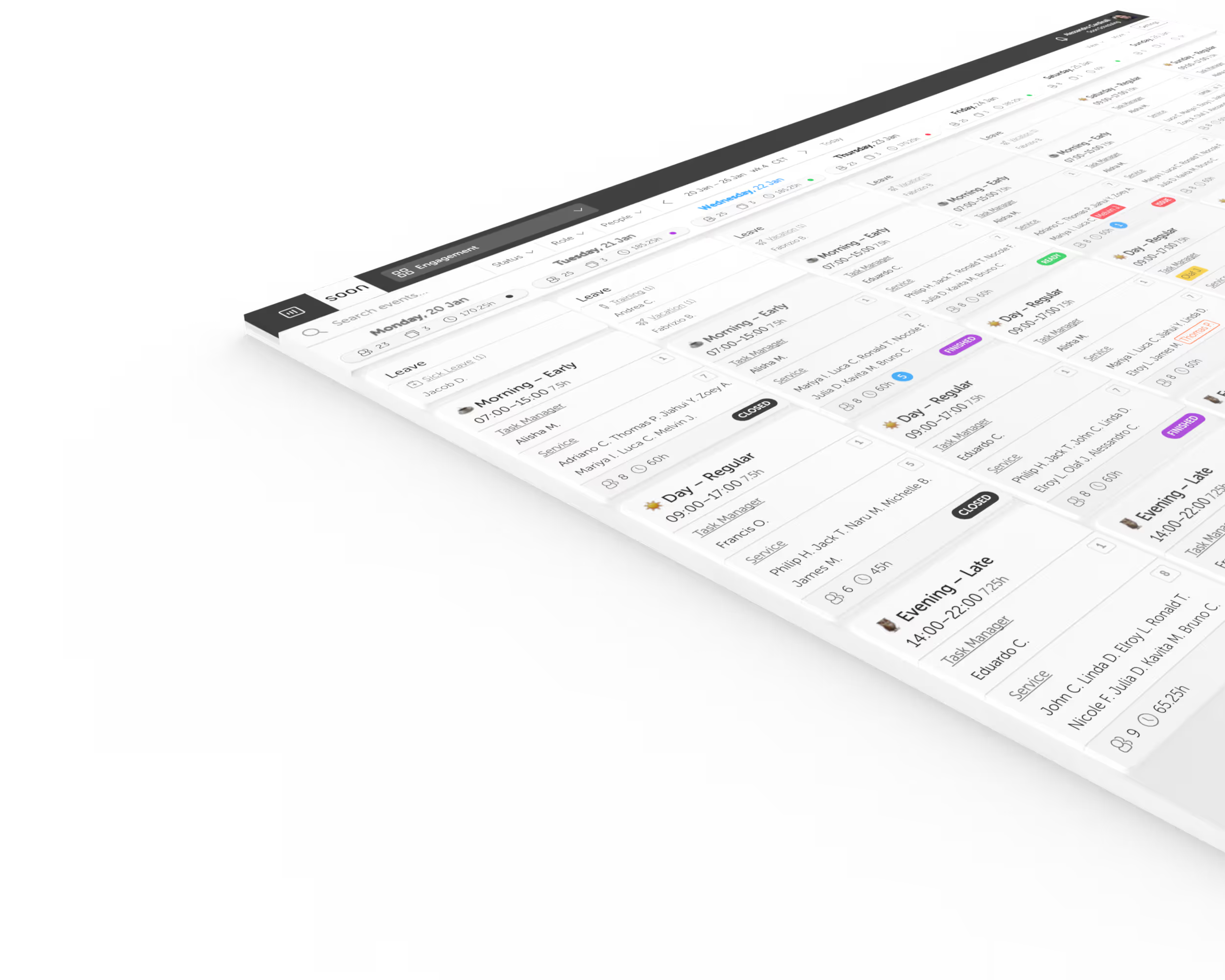
Soon lets a team start with shift planning, leave, swaps, and employee self-service. It can then add auto-scheduling, forecasting, capacity planning, and intraday management as the operation becomes more complex.

The useful difference is not a longer feature list. It is that the staffing requirement, the assigned people, and the changes during the day can stay connected instead of becoming separate admin jobs.

What this usually means

When Soon might not be the right fit

Soon is built for teams with changing shifts, coverage needs, or planning rules. If your problem is outside that scope, a smaller tool or a different system can be the better choice.

A tiny team works the same fixed rota every week

You only need a basic time clock

You need a full payroll or HR system more than a planning system

Your work has no shift, coverage, or daily staffing requirement

What to fix

Start with the problem that costs the most time

Do not roll out everything at once. Start with the repeated problem that managers feel every week, make that workflow reliable, and add the next layer when the team is ready.

First, replace the duplicate rota and message chain

Next, connect availability, leave, and shift changes

Then, add scheduling rules and automatic assignment

Add forecasting when demand should drive staffing

Add intraday control when the plan changes during the day

FAQ

A few questions that usually come next

What is workforce management software for a small business?

It connects the main workforce jobs that small operations often manage in separate places: demand planning, schedules, availability, leave, coverage, and changes during the day.

What is the difference between employee scheduling and workforce management?

Employee scheduling assigns people to shifts. Workforce management also helps decide how many people are needed, applies availability and leave, tracks coverage, and supports changes after the schedule is published.

How many employees do you need before WFM software is useful?

There is no fixed number. Complexity matters more than headcount. A 15-person team with variable shifts, several roles, and frequent changes can need it sooner than a 50-person team with a fixed weekly rota.

Can a small business keep using Excel for scheduling?

Yes. Excel can be enough for a stable team with fixed shifts and few changes. Move when version control, leave, availability, swaps, or repeated coverage checks create regular manual work.

Does Soon replace payroll or HR software?

Soon focuses on workforce planning, scheduling, leave, coverage, and intraday operations. It is not a full payroll or HR suite. Confirm your required payroll and HR connections before you choose a system.

Can we start with scheduling and add more WFM features later?

Yes. A phased rollout is often best for a small business. Start with the live schedule and employee workflow, then add auto-scheduling, forecasting, capacity, or intraday management when each solves a clear problem.

Your next schedule could take 2 minutes.

Import your team, set your rules, hit auto-fill. Most teams are live the same day.

Try Soon free

30 days free ยท No credit card required

Already have an account?Sign in