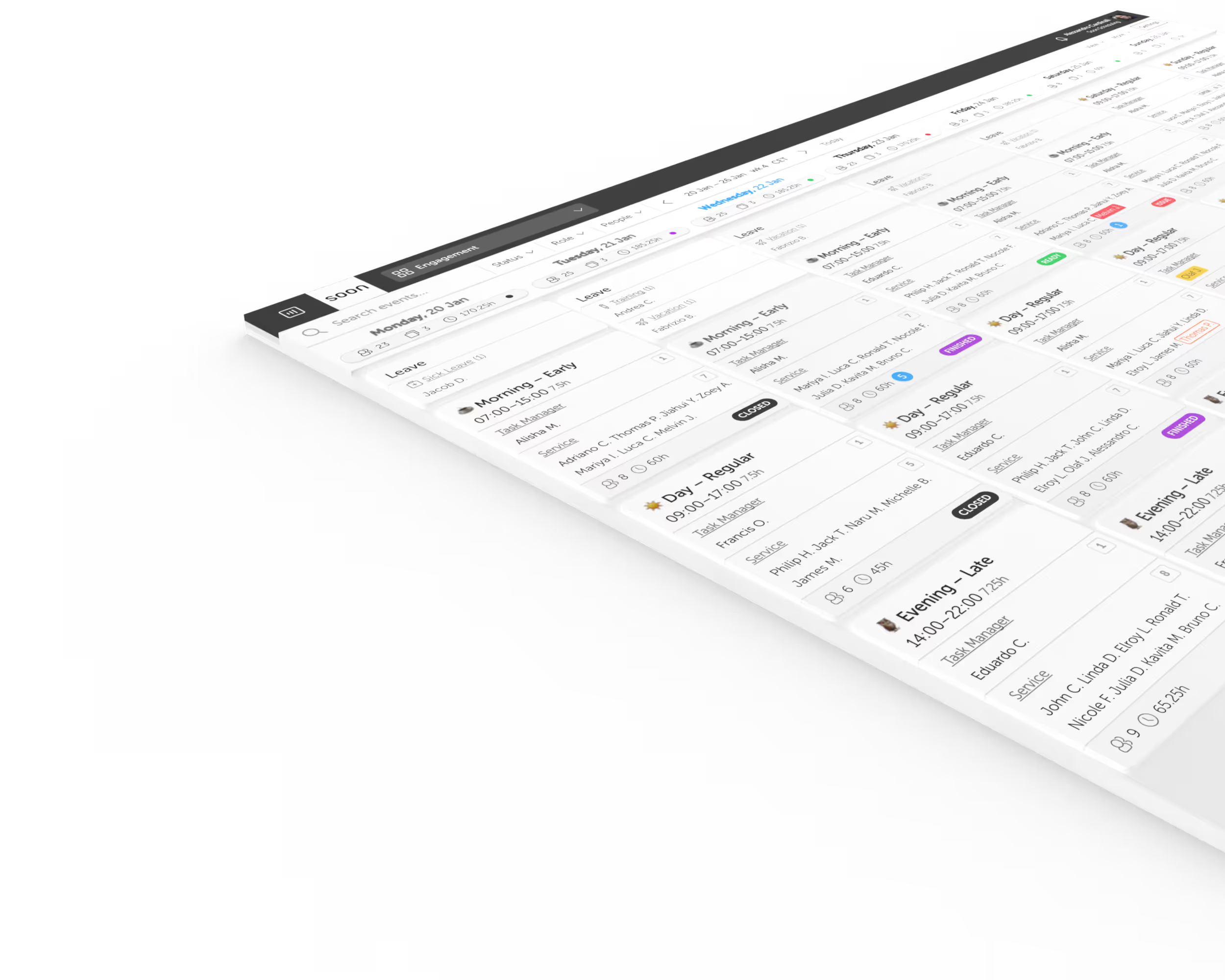
Soon + Webex Contact Center
Webex Contact Center handles the interactions. Soon turns historical queue demand into better forecasts, schedules, and intraday staffing decisions.
What Soon forecasts from Webex Contact Center
- Offered contacts per queue, every 15 minutes
- Channel: voice, chat, email, and social
- Up to 90 days of history imported on connect
- Ongoing sync as new contacts arrive
How it works
- 1
Open Settings → Integrations in Soon and choose Webex Contact Center.
- 2
Sign in as a Webex Contact Center administrator and approve read-only access.
- 3
Soon finds your queues and imports historical volume.
- 4
Forecasts are built per queue and channel at 15-minute intervals.
- 5
Build schedules and intraday plans in Soon around the forecast.
Best for
- Webex Contact Center teams that schedule in spreadsheets today.
- Mid-market contact centers without a heavy WFM suite.
- Operations leads who want forecasts per queue and channel.
- Teams that want forecasting plus visual scheduling and an auto-scheduler.
Requirements
- A Soon account (start free at app.soon.works).
- A Webex Contact Center subscription.
- A Webex Contact Center administrator to approve the connection once.
- Soon only requests read access to queue configuration and statistics; no customer content or recordings are accessed.
The Webex Contact Center connector is built and rolling out. Create a Soon account and connect it from Settings → Integrations, or contact us and we will help you set it up.
Your next schedule could take 2 minutes.
Import your team, set your rules, hit auto-fill. Most teams are live the same day.
30-day free trial · No credit card required
Already have an account?Sign in