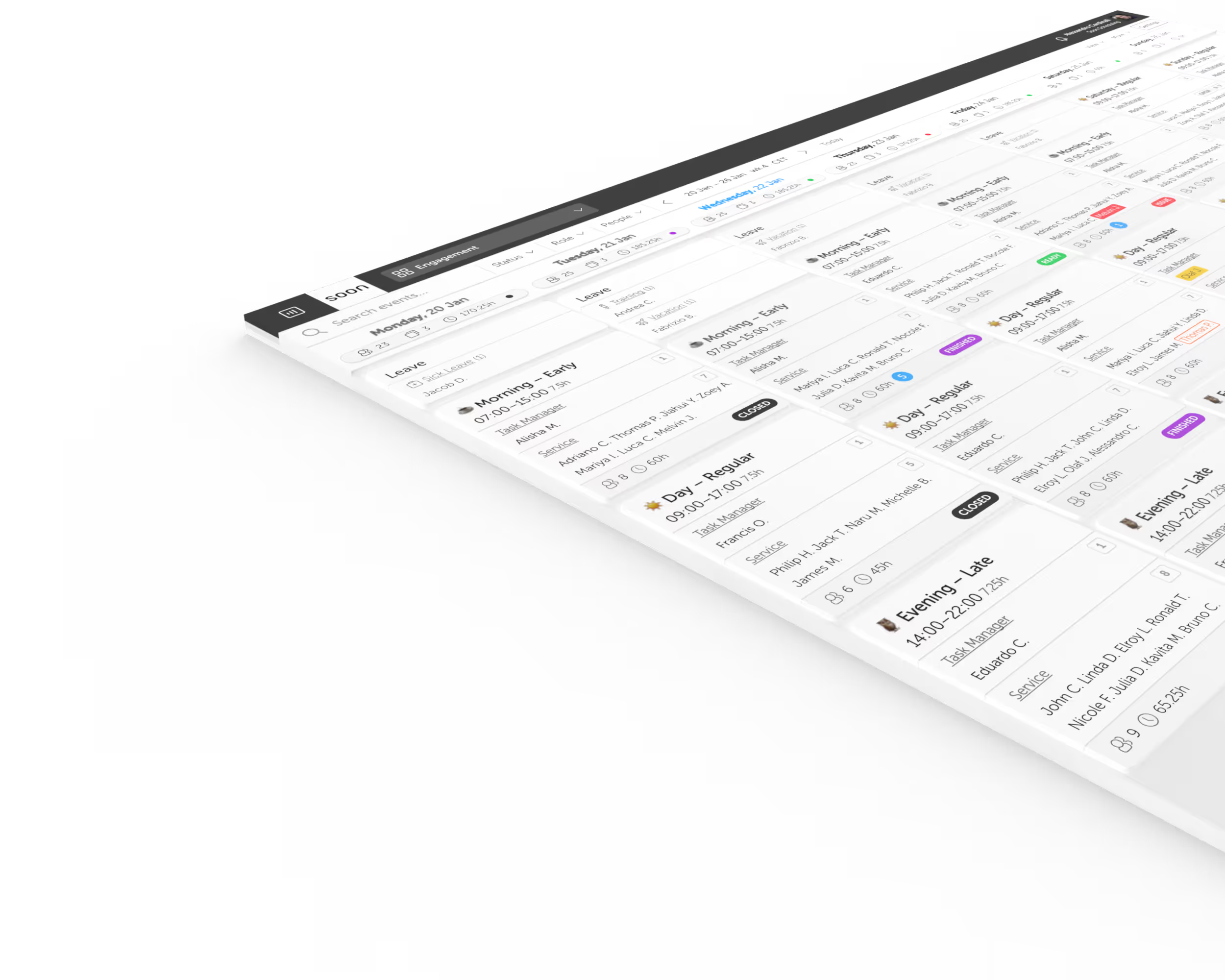
Self-scheduling software: let employees pick shifts within your rules
Self-scheduling is a way of building schedules where employees choose their own shifts from those available, within rules the manager sets in advance. It gives people more control over when they work while coverage, skills and rest rules stay protected.
Start Free TrialHow self-scheduling works in Soon
- 01
You set the guardrails
Choose which teams or roles have self-scheduling switched on and which rules apply to each group, so autonomy never overrides coverage.
- 02
Employees set their availability
In the Soon app, employees mark preferred hours, days off and recurring availability, so the plan starts from what people can actually work.
- 03
Employees pick from open shifts
Open shifts are published to the people allowed to take them, and employees choose the ones that fit their week.
- 04
Soon checks the rules
Shift swaps are validated against your business rules before they are approved, so a swap cannot quietly break coverage or rest requirements.
- 05
Auto-scheduling fills the rest
Whatever nobody picks can be filled by automated shift scheduling, which is part of the Grow plan and above.
When self-scheduling works, and when it needs guardrails
Self-scheduling works best when the coverage you need is clear, shifts are interchangeable by skill, and people care about when they work. Care, retail, support and other shift operations fit that description.
It stops working when it is a free-for-all. Decide in advance who can pick which shifts, what minimum cover must remain, how popular shifts are shared fairly, and when a manager steps in. Without those rules self-scheduling creates conflict and uneven coverage.
Self-scheduling, open shifts and shift swaps
- Self-scheduling
- Employees choose their shifts from the ones available, within the rules you set.
- Open shifts
- Shifts nobody is assigned to yet, published so eligible employees can take them.
- Shift swaps
- Two employees exchange shifts they are already assigned, with the swap checked against your rules.
Frequently asked questions
What is self-scheduling?
Self-scheduling is a way of building schedules where employees choose their own shifts from those available, within rules the manager sets in advance. The organisation keeps control of coverage, skills and rest rules, while employees get a say in when they work.
How does self-scheduling work in Soon?
You choose which teams or roles can self-schedule and set the rules. Employees mark their availability in the Soon app and pick from open shifts. Swaps are checked against your business rules before approval, and automated scheduling can fill whatever is left.
Is self-scheduling available on every Soon plan?
Yes. Self-scheduling and shift swaps are available on all plans. Automated shift scheduling, which can fill shifts nobody picked, starts on the Grow plan.
Can employees swap shifts?
Yes. Employees can request shift swaps directly. Soon validates that the swap meets all business rules before approving it.
How do employees set availability?
Through the Soon app, employees mark their preferred hours, days off, and recurring availability patterns.
Can I limit self-scheduling to certain roles?
Yes. You control which teams or roles have self-scheduling enabled and what rules apply to each group.
Your next schedule could take 2 minutes.
Import your team, set your rules, hit auto-fill. Most teams are live the same day.
Free trial of 14, 30 or 60 days by plan · No credit card required
Already have an account?Sign in