Skip to content
Comparison

Deputy micro-scheduling: what it does, and where it stops

Deputy does schedule inside a shift. Micro-scheduling, included on the Core plan, splits one shift into back-to-back segments across different locations and areas, then feeds those segments into timesheets. If someone told you Deputy has no within-shift scheduling, they were working from old information.

The distinction that matters is the axis. Micro-scheduling answers where a person works during a shift. It does not answer what they are doing against demand at 14:30, and by Deputy's own documentation it cannot leave a gap, which is precisely what a break is.

Every limitation on this page links to Deputy's own help or developer documentation. Prices are published list prices, checked 25 August 2026.

What micro-scheduling is genuinely good at

A retail or hospitality worker who spends two hours on the floor, three on the till and one in the stockroom is one shift and three areas. Deputy models that cleanly, and because the segments flow into the timesheet, the hours land in payroll attributed to the right place. For that job it is the better tool, and it is on a cheaper plan than ours.

Deputy Core also carries auto-scheduling and demand forecasting at $6.50 per user per month. That is real capability at a real price, and any comparison that pretends otherwise is not worth reading.

Four limits Deputy documents

These are not complaints from reviews. They are constraints Deputy publishes, linked so you can check each one.

A break is a gap, and gaps are not allowed

Deputy documents that you cannot leave any gaps of time between areas. The segments of a micro-scheduled shift have to run back to back. That is the right model for tracking where someone stood, and the wrong one for a break, which is defined by being time nobody is covering.

Deputy documentation: Micro-scheduling FAQs

One pay rate across the whole shift

Micro-scheduling supports a single pay rate applied to every part of the shift. If a person moves between work that pays differently inside one shift, that has to be handled outside the feature.

Deputy documentation: Micro-scheduling FAQs

Thirty areas per shift, and areas are places

The cap is thirty areas per shift, which is generous. The constraint that bites is conceptual: an area is a location you can be assigned to, so the axis is where a person is, not which of several concurrent workloads they are serving.

Deputy documentation: Work a shift with micro-scheduling

Which one you actually need

One question separates these two tools. Answer it honestly and the choice is usually clear.

Stay on Deputy

Your question is where people are

Multi-site retail, hospitality and venue teams where one person legitimately works the floor, then the till, then the stockroom. Micro-scheduling was built for this, it feeds timesheets correctly, and Deputy Core is cheaper than the Soon plan that carries intraday.

  • Segments are contiguous by nature, so the no-gaps rule costs you nothing
  • Time clock, award interpretation and payroll export matter more than coverage math
  • One pay rate genuinely applies across the shift
Look at Soon

Your question is what people are doing

Contact centres, service desks and operations teams where everyone sits in one place all day and the planning problem is which of four or five concurrent workloads each person is on, and whether the queue is covered at 14:30.

  • Breaks, training and admin are first-class blocks, not gaps you have to fake
  • Coverage is tracked per interval against capacity, not just assigned per shift
  • A solver fills the timeline against demand rather than you dragging blocks by hand

Soon Scale, the plan carrying intraday coverage, lists at $16 per user per month billed yearly, against $6.50 for Deputy Core. We are the more expensive option, and that only pays back if coverage inside the shift is a problem you have. The full feature-by-feature view is on our Soon versus Deputy page, including the rows Deputy wins.

Frequently asked questions

Does Deputy have intraday scheduling?

Partly, and the honest answer depends on what you mean. Deputy ships micro-scheduling on its Core plan, which splits one shift into contiguous segments across different locations and areas. That is genuine within-shift scheduling on the dimension of where someone works. It is not interval-level coverage planning against forecast demand, and because Deputy documents that no gaps are allowed between areas, breaks are not represented as first-class blocks.

What is Deputy micro-scheduling?

Micro-scheduling lets one employee work multiple segments across different locations and areas within a single shift. By default the shift length is divided evenly across the areas you add, and you can then adjust each segment start and finish time. Deputy supports up to thirty areas per shift. It is documented as feeding timesheets, so its primary job is accurate time and pay attribution.

Can Deputy schedule breaks inside a shift?

Deputy handles breaks through its break planning and award compliance features rather than through micro-scheduling. Micro-scheduling itself cannot express a break as a segment, because Deputy documents that gaps of time between areas are not allowed and every segment must run back to back.

Is Soon cheaper than Deputy?

No. Deputy Core, the plan that includes micro-scheduling, auto-scheduling and demand forecasting, lists at 6.50 US dollars per user per month. Soon Scale, the plan that includes intraday coverage tracking, the AI assistant and forecasting, lists at 16 US dollars per user per month billed yearly. Soon costs more per user. The comparison only makes sense if interval-level coverage is a problem you actually have.

Can I use Deputy and Soon together?

Some teams do, keeping Deputy for time clock, award interpretation and payroll export while planning coverage in Soon. It is not the cheapest arrangement and it means two systems, so it is usually worth deciding which tool owns the schedule rather than running both indefinitely.
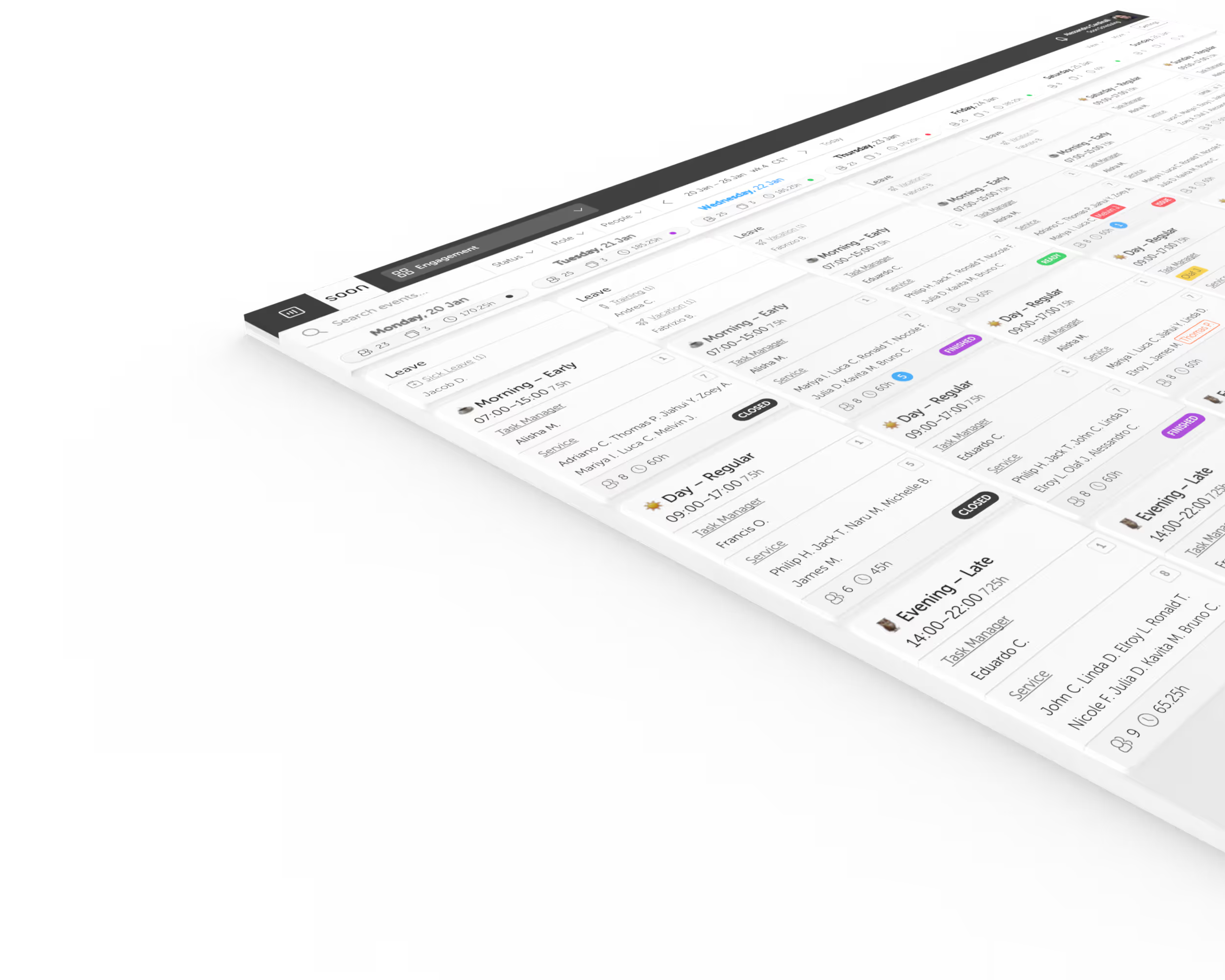
Your next schedule could take 2 minutes.

Import your team, set your rules, hit auto-fill. Most teams are live the same day.

Try Soon free

30 days free ยท No credit card required

Already have an account?Sign in