Skip to content
Solutions

Capacity planning tools for small business workload and staffing

A useful capacity planning tool shows whether expected work fits inside the productive hours available by team, role, day, and interval. Small businesses can start with a spreadsheet, but they need a shared planning system when demand changes often or the forecast must become a staff schedule.

  • The team accepts more work than its productive hours can support
  • Urgent work constantly pushes planned work aside
You might have asked

“We keep overcommitting without meaning to.”

“The schedule is full, but I still cannot tell if we have enough room for the work.”

“I need a clearer view of workload before the week gets messy.”

What this usually means

What this search usually means in real life

Capacity planning is the bridge between demand and the rota. The basic calculation is available capacity minus required workload. Available capacity must use productive hours, not paid hours, because meetings, leave, training, breaks, and other shrinkage reduce the time that can serve demand.

For example, ten employees with 30 productive hours each provide 300 hours of weekly capacity. If committed work needs 240 hours and expected reactive work needs another 90, the plan has a 30-hour capacity gap before the week begins. A useful tool makes that gap visible while there is still time to change demand, priorities, or staffing.

Without that planning layer, a schedule can look full while the business still misses response times, delivery dates, or service targets.

The team accepts more work than its productive hours can support

Urgent work constantly pushes planned work aside

Managers only discover overload after targets slip

There is no clean view of spare capacity by team or role

The weekly schedule uses paid hours but ignores leave, meetings, and shrinkage

Staffing decisions depend on instinct more than a demand forecast
Where it breaks

What is probably going wrong

Small businesses do not need a large enterprise planning suite. They do need one reliable view of forecast demand, committed work, productive capacity, required skills, and the live schedule. A spreadsheet can support a stable weekly plan. It becomes fragile when several managers update it, work arrives in short intervals, or staffing changes during the day.

Choose a capacity planning tool that works at the level where decisions happen. Project teams may plan in weekly hours. Contact centers and service teams often need 15-minute, 30-minute, or hourly demand and staffing requirements. In both cases, the tool should show the capacity gap and make the next action clear.

The team accepts more work than its productive hours can support

Urgent work constantly pushes planned work aside

Managers only discover overload after targets slip

There is no clean view of spare capacity by team or role

The weekly schedule uses paid hours but ignores leave, meetings, and shrinkage

Staffing decisions depend on instinct more than a demand forecast

What to fix

What to fix first

Most teams do not need a dramatic overhaul first. They need a cleaner operating loop so planning, changes, and execution stop fighting each other.

Forecast demand in the same daily or interval detail used for staffing decisions

Convert expected work into hours with volume, handling time, or task duration

Subtract leave, meetings, training, breaks, and other shrinkage from paid hours

Separate committed work from probable reactive work and keep a visible buffer

Compare required skills with available skills, not only total headcount

Review forecast error and capacity gaps after each planning cycle

Connect the approved capacity plan to the staff schedule

Read this next

Where Soon helps

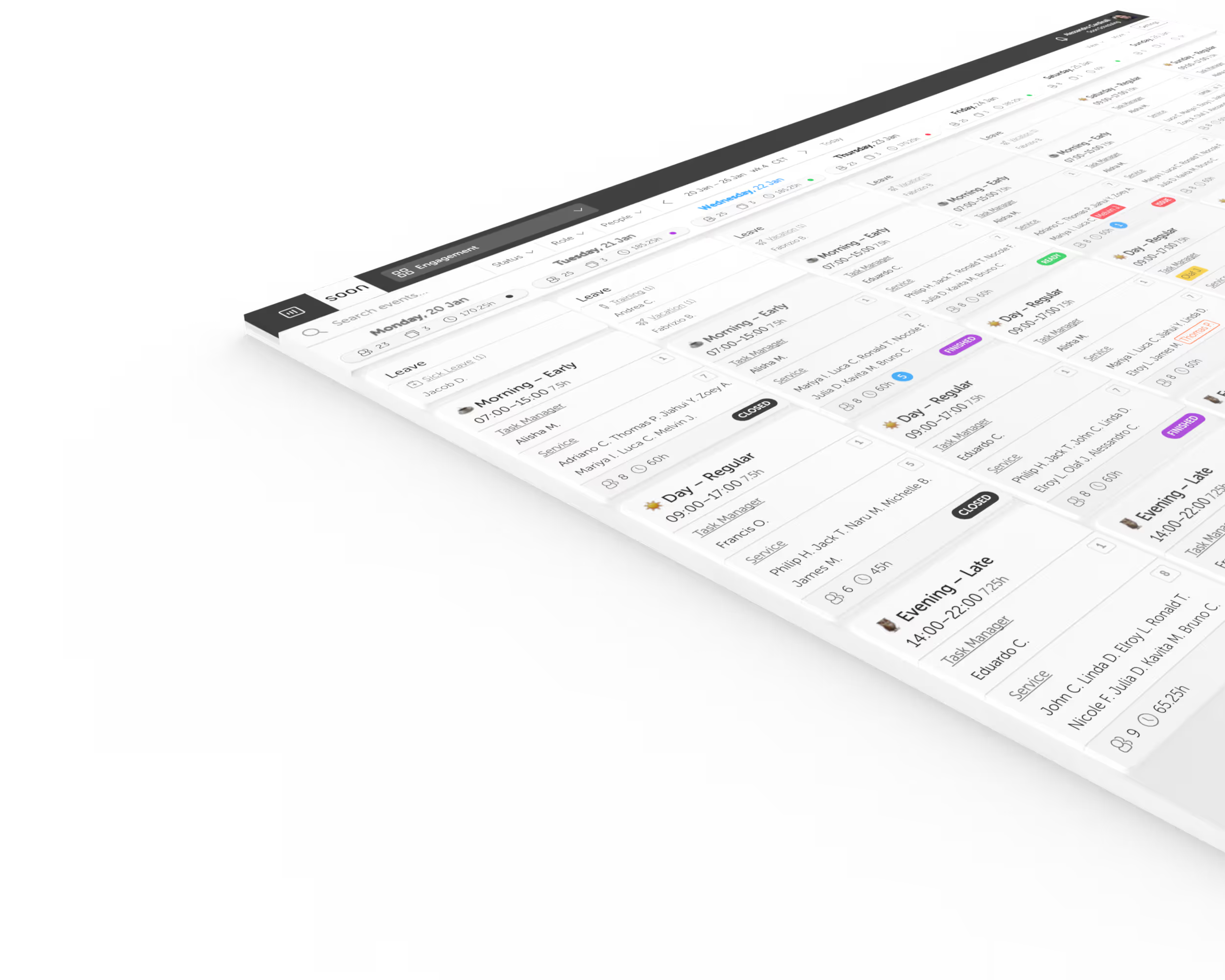
Soon connects workforce forecasting, staffing requirements, scheduling, and intraday adjustments. Teams can forecast volume by queue, channel, or location, apply inputs such as average handling time, occupancy, shrinkage, and service targets, then use the result when they build the schedule.

This is useful for a small business that has outgrown a capacity spreadsheet but does not want a long enterprise WFM project. The forecast, staffing plan, and schedule stay in one operating workflow, so managers can see a capacity gap before it becomes missed work.

Read next

Keep going with the pages that matter most here

If this problem sounds familiar, these are the next places worth reading.

FAQ

A few questions that usually come next

Do small businesses really need capacity planning tools?

Yes, especially when teams are lean. Small businesses feel overload faster, so even simple capacity planning can prevent repeated overcommitment.

What is the first sign a team needs capacity planning?

When targets slip even though the schedule looks full, or when urgent work keeps displacing planned work, capacity planning usually becomes necessary.

Can a small business use Excel for capacity planning?

Yes. Excel can work for a stable weekly model with one owner. Move to a shared capacity planning tool when demand changes often, several people update the plan, skills matter, or the result must connect directly to scheduling.

How do you calculate team capacity?

Start with paid working hours, then subtract leave, meetings, training, breaks, and other shrinkage. Compare those productive hours with the hours of forecast or committed work for the same team, role, and period.

What should a small-business capacity planning tool include?

Look for demand forecasting, productive capacity by team and skill, clear capacity gaps, scenario planning, and a direct connection to the schedule. The tool should be simple enough for managers to update every planning cycle.

How often should capacity plans be updated?

Review the plan before each schedule cycle and whenever demand or staffing changes materially. Service operations may need intraday updates, while stable project teams may use a weekly review.

Your next schedule could take 2 minutes.

Import your team, set your rules, hit auto-fill. Most teams are live the same day.

Try Soon free

30 days free ยท No credit card required

Already have an account?Sign in