How We Use Claude Code and Codex to Build Better WFM Tools
AI coding assistants like Claude Code and OpenAI Codex are changing how we build workforce management software — how we ship faster, reduce bugs, and stay focused on what matters.
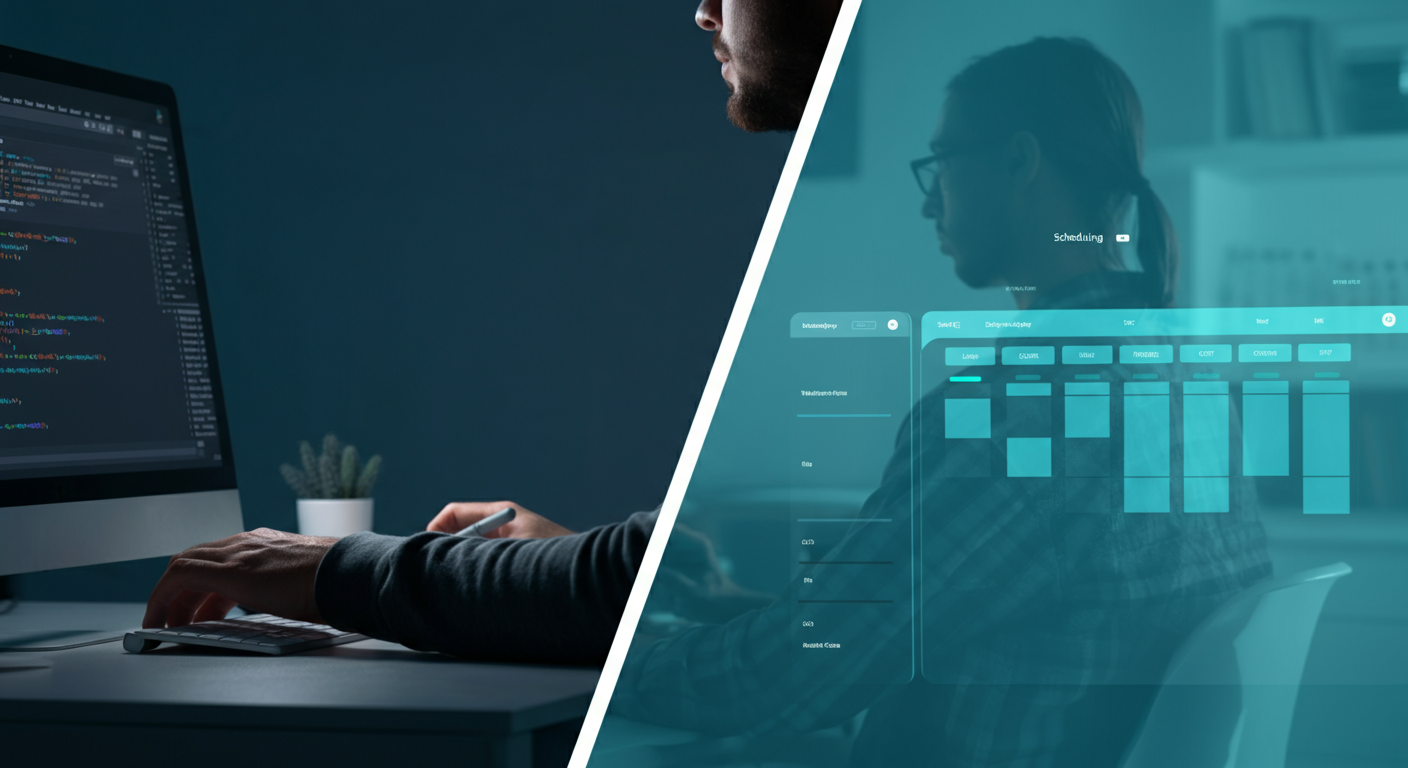
The New Reality of AI-Assisted Development
Scheduling logic is full of edge cases: overlapping shifts, legal compliance rules, timezone arithmetic, fairness constraints. The kind of code that looks simple on the surface but hides weeks of debugging underneath.
Over the past year, we have been leaning heavily on two AI coding assistants, Anthropic's Claude Code and OpenAI's Codex, to help us move faster without sacrificing quality. This post is an honest account of how we use them, where they shine, and where we still rely on human judgment.
What Is Claude Code?
Claude Code is Anthropic's agentic coding tool. Unlike a simple autocomplete, it can read your codebase, understand context across files, write and edit code, run tests, and iterate based on the results. You give it a task in plain language and it works through it step by step.
For us, it has become the go-to tool for anything that requires understanding how multiple parts of the system fit together: refactoring a scheduling algorithm, updating an API integration, or writing tests for complex business logic.
What Is Codex?
OpenAI's Codex (the model powering GitHub Copilot and the Codex API) is excellent at in-context code generation. Where Claude Code excels at multi-step reasoning across a codebase, Codex is fast and precise for targeted completions: filling in a function body, generating boilerplate, or translating a specification into working code.
We use both tools because they complement each other well.
How We Apply Them to WFM Development
Scheduling Logic
Shift scheduling is the core of what Soon does. The rules are complex: minimum rest periods between shifts, maximum weekly hours, skill-based coverage requirements, employee preferences, and legal constraints that vary by country.
Claude Code is particularly strong here. We describe a scheduling constraint in plain English, for example "no employee should work more than 5 consecutive days without a rest day", and it can translate that into a constraint function, write unit tests for it, and flag edge cases we had not considered. It reasons about the logic, not just the syntax.
API Integrations
Soon integrates with HR systems, payroll platforms, and communication tools. Each integration involves reading API documentation, mapping data models, handling authentication, and writing error-tolerant sync logic.
Codex is fast at generating the scaffolding for a new integration once we paste in the relevant API spec. Claude Code then helps us reason through the edge cases: what happens when a webhook arrives out of order, or when a remote system returns unexpected data.
Test Coverage
One of the most valuable uses of both tools is writing tests. WFM software has a lot of state (schedules, shift swaps, time-off requests, coverage calculations) and testing all of it manually is not realistic.
We now routinely ask Claude Code to review a new feature and generate a test suite for it. The coverage is not always perfect, but it catches the obvious cases and gives us a solid baseline to build from.
Code Review and Refactoring
Before a pull request goes to human review, we often run it through Claude Code with a prompt like: 'Review this diff for correctness, edge cases, and performance issues.' It catches things that are easy to miss when you have been staring at the same code for hours.
Refactoring legacy scheduling code is another area where it earns its keep. We have modules that were written under time pressure and accumulated technical debt. Claude Code can propose a cleaner structure, explain the trade-offs, and help us migrate incrementally.
What We Have Learned
Be specific about context
Both tools perform significantly better when you give them context. Pasting in the relevant schema, the existing function signatures, and a clear description of the expected behaviour produces much better results than a vague prompt.
Verify the output
AI-generated code is not production-ready by default. We always review it, run the tests, and think critically about whether the logic is actually correct. For scheduling constraints especially, a subtle bug can produce invalid schedules that look fine on the surface.
Use them for the boring parts
The biggest productivity gain is not in the hard algorithmic work. It is in the surrounding scaffolding: boilerplate, documentation, migration scripts, data transformations. Offloading that to AI tools frees up engineering time for the problems that actually require deep thinking.
They make onboarding faster
New engineers can use Claude Code to explore an unfamiliar part of the codebase, ask questions about how things work, and get up to speed faster. It is like having a patient senior engineer available at any time.
The Bigger Picture
WFM software exists to help operations teams make better decisions about their people. The faster we can ship reliable features, the more value we deliver to those teams.
AI coding assistants have meaningfully accelerated our development cycle. Not by replacing engineering judgment. The hard decisions about product direction, architecture, and user experience still require human thinking. But they reduce the friction on everything around those decisions.
We are still learning how to use these tools well. But the direction is clear: teams that integrate AI into their development workflow will build better software, faster. And in a competitive market, that matters.